
Flub and mistake markers
Mark breaths, errors, or retakes instantly during or after recording.
Voiceover artists
Mark mistakes, jump between takes, and organize long recordings with precision. Streamline your voiceover workflow on your Mac.
Long recording sessions can be hard to manage. Visual Cue helps voiceover artists mark flubs, organize takes, and review performances quickly—so you can deliver cleaner audio with less effort.
Product Preview
Cue points, waveform navigation, playlists, and local playback in one Mac interface.
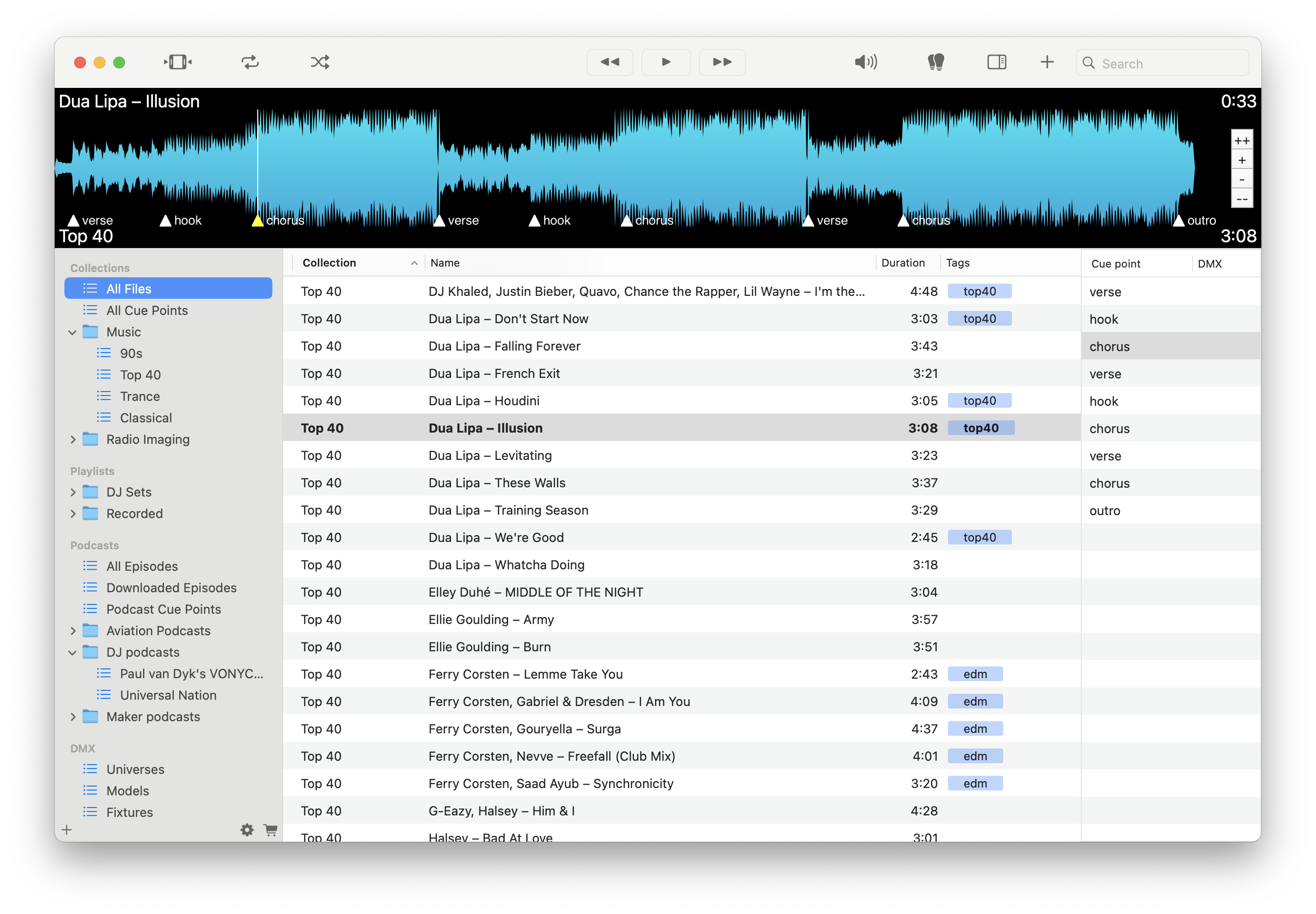
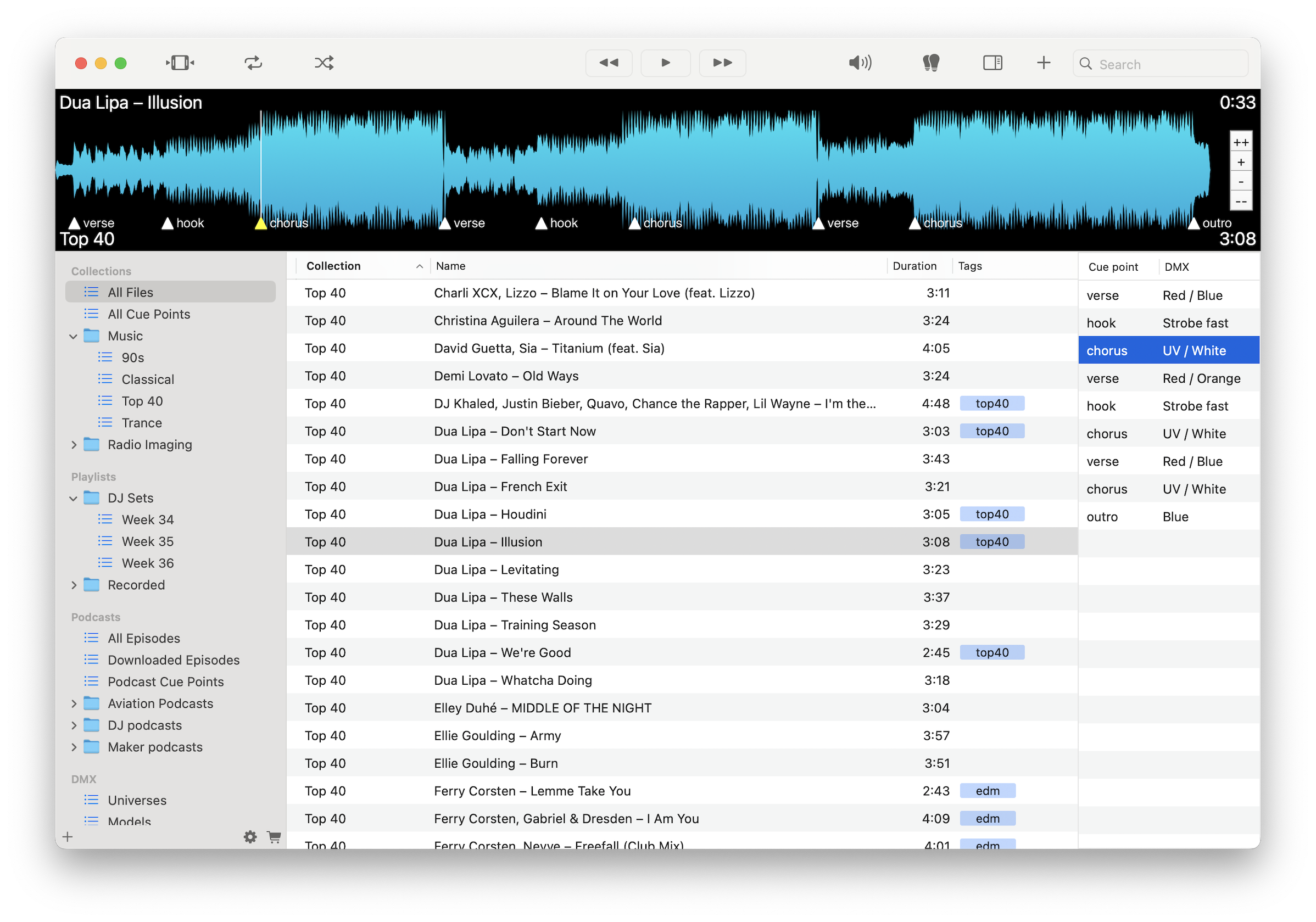
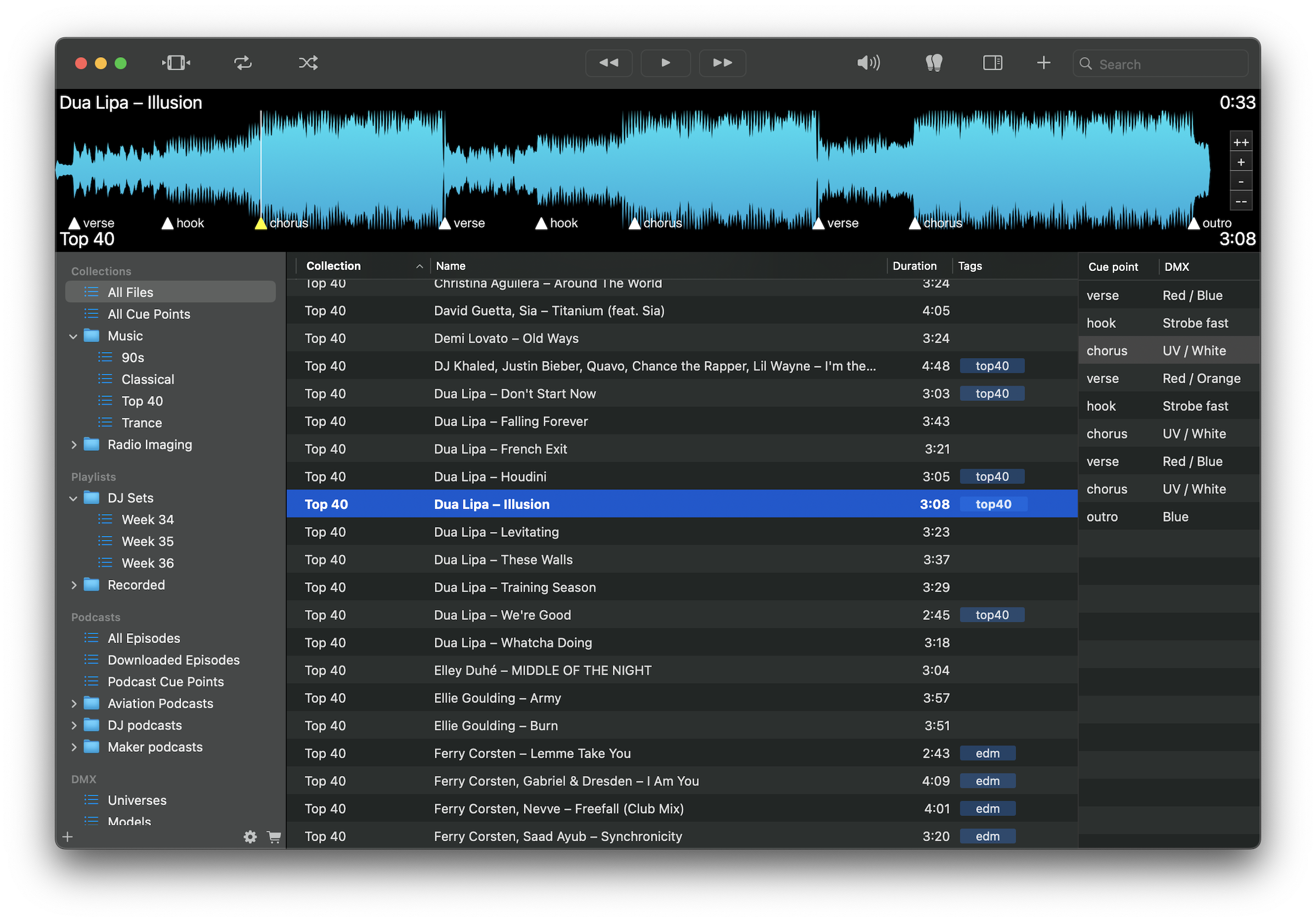
Mark breaths, errors, or retakes instantly during or after recording.
Jump directly to marked sections without searching or scrubbing.
Identify clean takes and problem areas before editing.
Mark chapters, characters, or tonal shifts in long recordings.
Organize recordings by client, script, or session.
Use visual waveform cues to spot pauses, breaths, or inconsistencies.
Work without cloud delays or interruptions.
Play WAV, MP3, FLAC, M4A, and more.
Record or load sessions, mark mistakes and key takes with cue points, and jump between them instantly. Organize recordings by project and prepare clean edits more efficiently.
Download free on the Mac App Store and streamline your voiceover workflow.
Download on the Mac App Store