
Audio cue points
Mark dialogue, sound effects, or music moments for instant access.
Video editors
Mark audio cues, compare tracks, and jump between takes instantly. Prep dialogue, music, and sound with precise, offline playback on your Mac.
Editing is about timing. Visual Cue helps video editors find the right moment in dialogue, music, or sound effects—so you can make faster decisions before bringing audio into your timeline.
Product Preview
Cue points, waveform navigation, playlists, and local playback in one Mac interface.
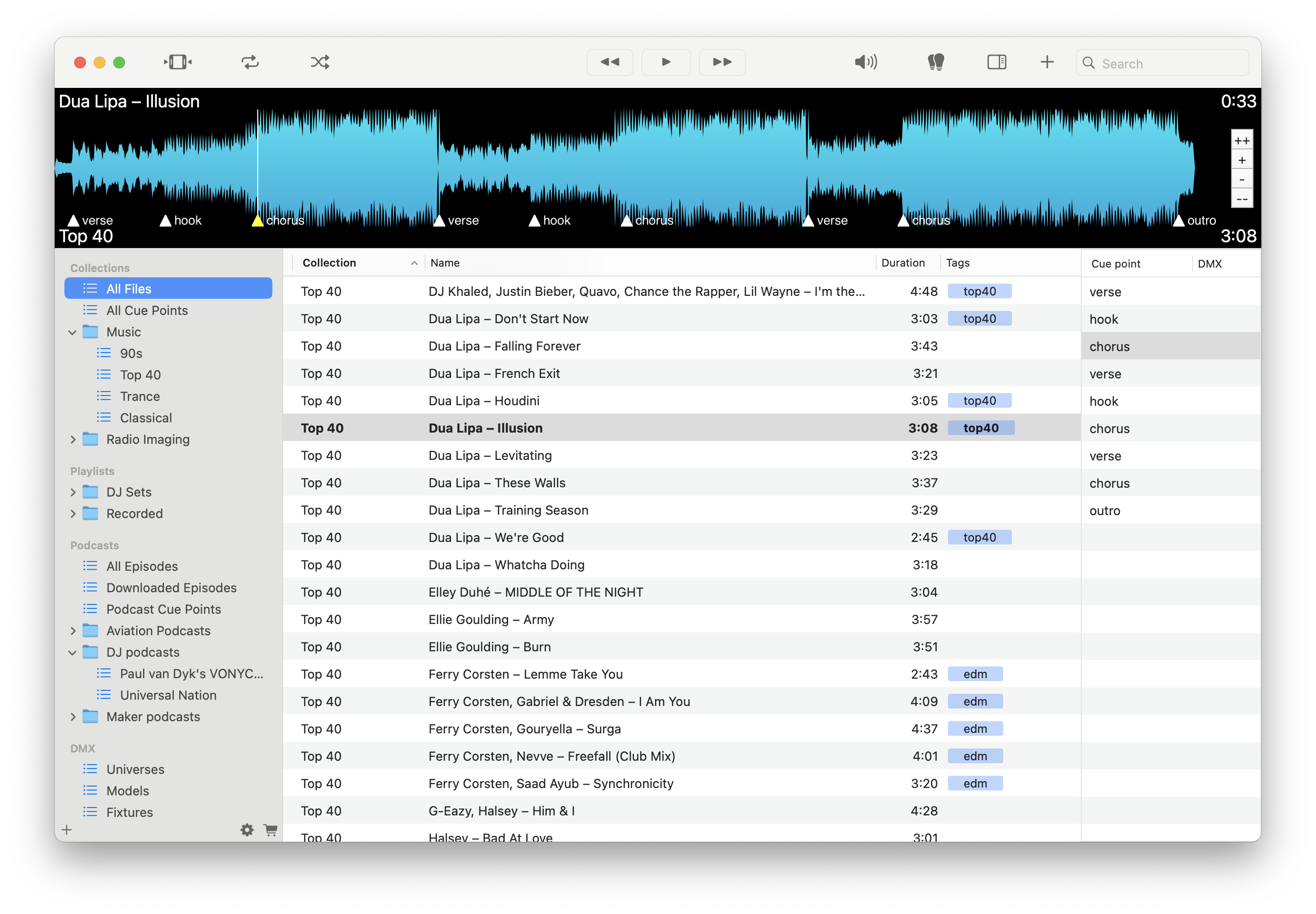
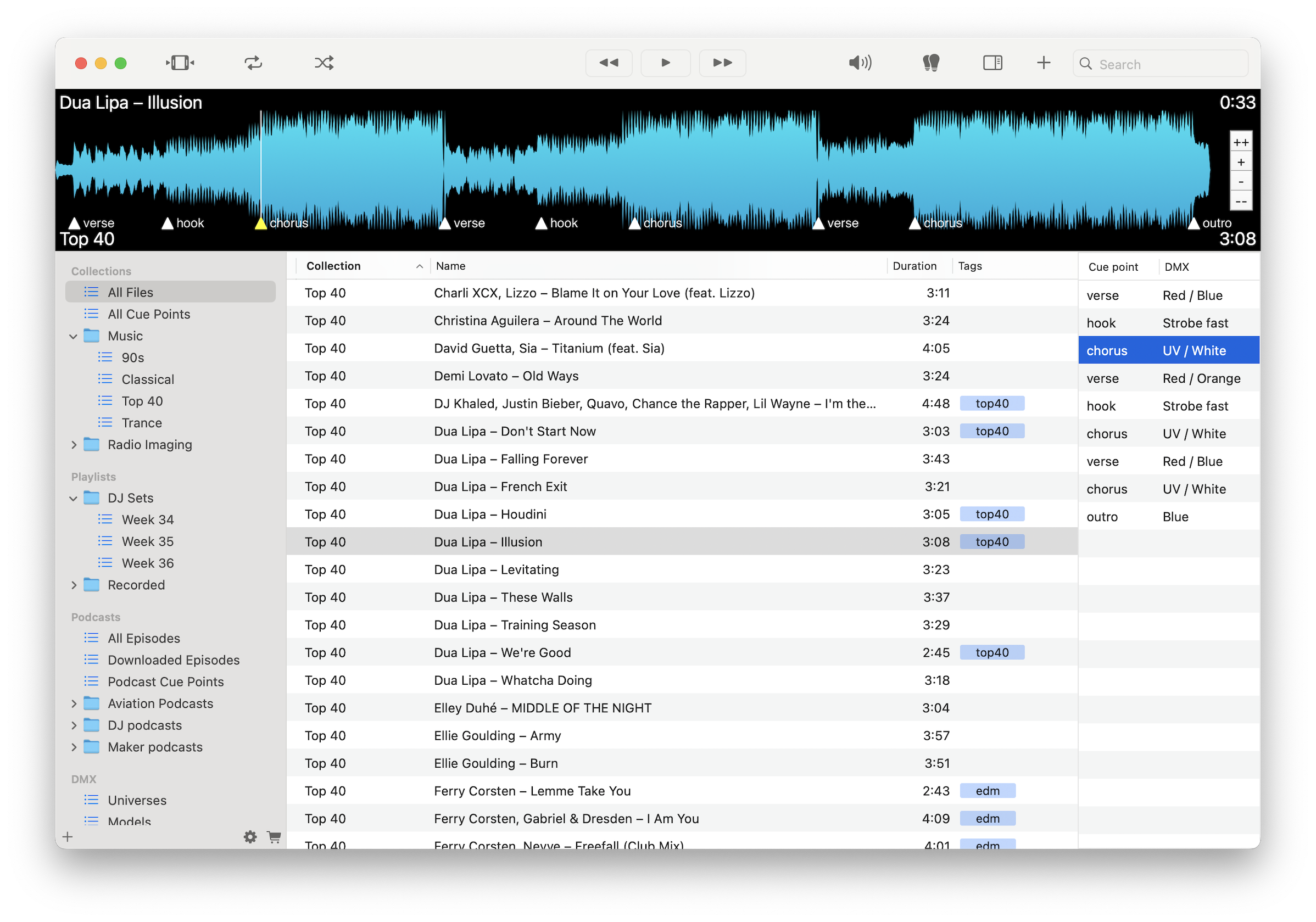
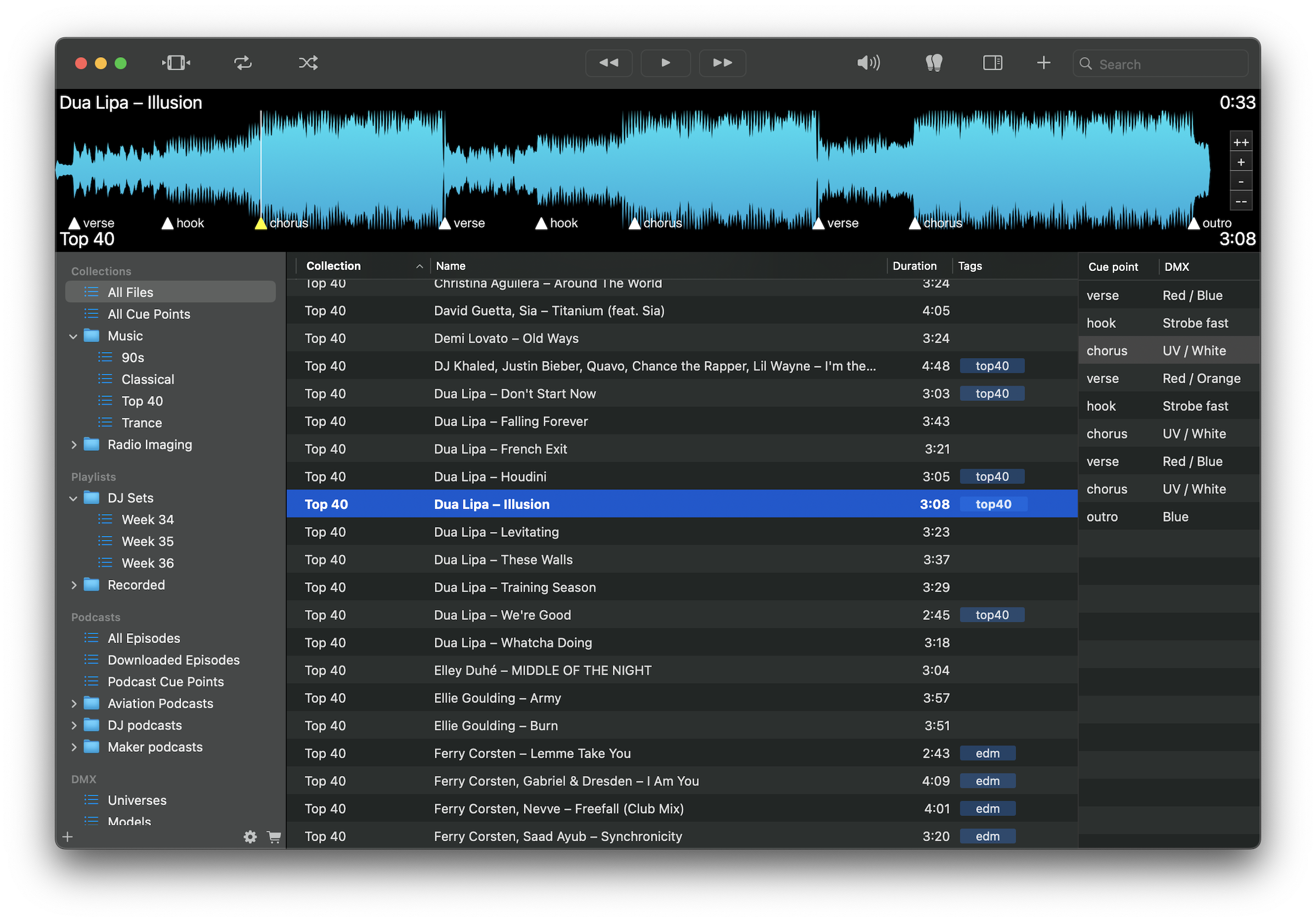
Mark dialogue, sound effects, or music moments for instant access.
Jump between takes or tracks quickly to evaluate performance and fit.
Find key moments without scrubbing through long recordings.
Mark phrases, beats, or transitions to refine pacing.
Group music, dialogue, and SFX by scene or project.
Build playlists for music beds, references, or review.
Work without internet during remote or offline editing sessions.
Play WAV, MP3, FLAC, M4A, and other common formats.
Load dialogue, music, or SFX, mark key moments with cue points, and compare takes or tracks instantly. Organize references and timing decisions before moving into your editing timeline.
Download free on the Mac App Store and speed up your audio prep for editing.
Download on the Mac App Store