
Insight cue tagging
Mark quotes, reactions, usability issues, and key moments during or after interviews.
UX researchers
Tag key moments, jump between insights, and organize research audio with precision. Move faster from interviews to synthesis on your Mac.
User interviews generate valuable insights—but finding them takes time. Visual Cue helps you mark key moments, organize themes, and return to exact timestamps instantly, so you can focus on analysis instead of scrubbing through recordings.
Product Preview
Cue points, waveform navigation, playlists, and local playback in one Mac interface.
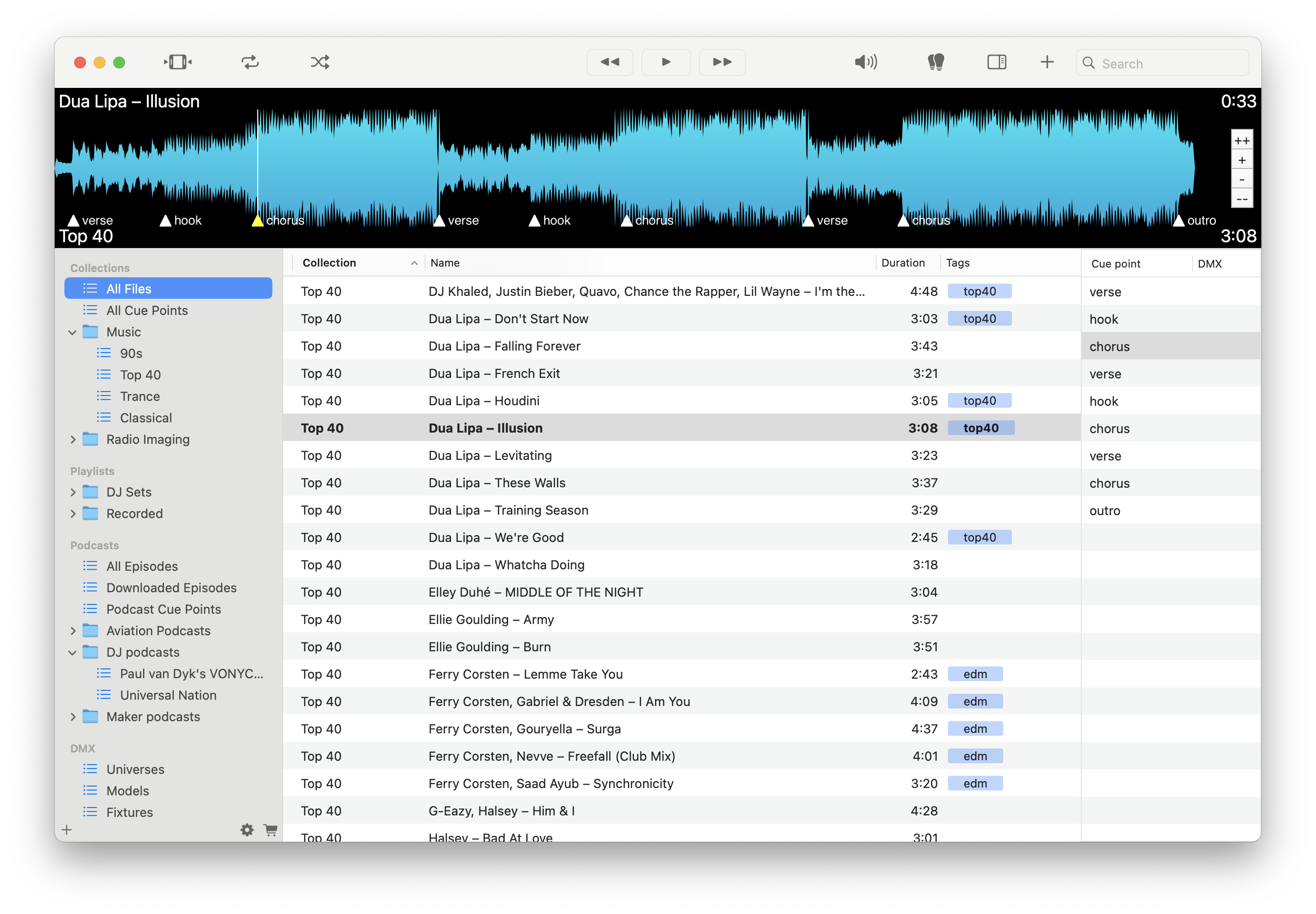
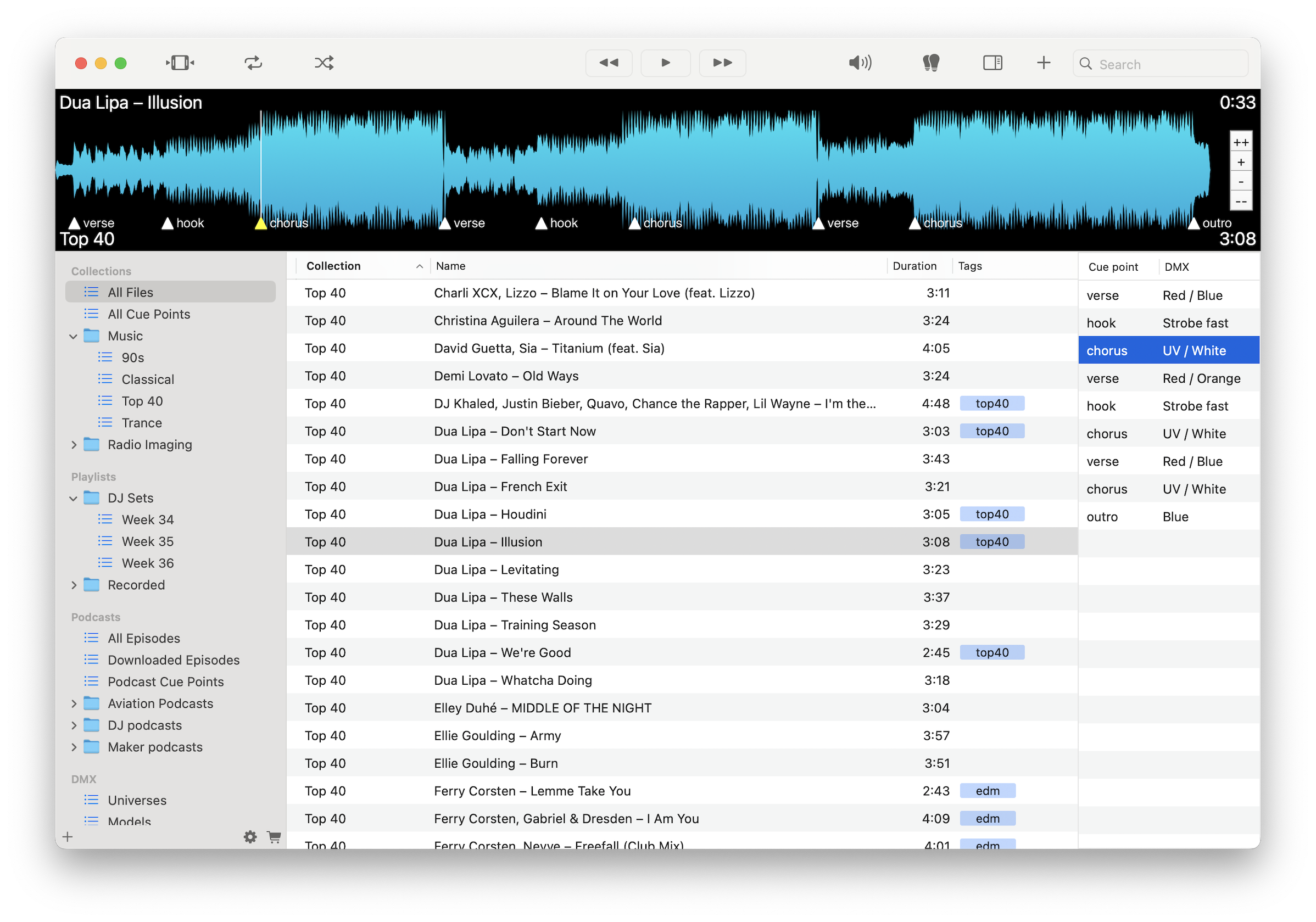
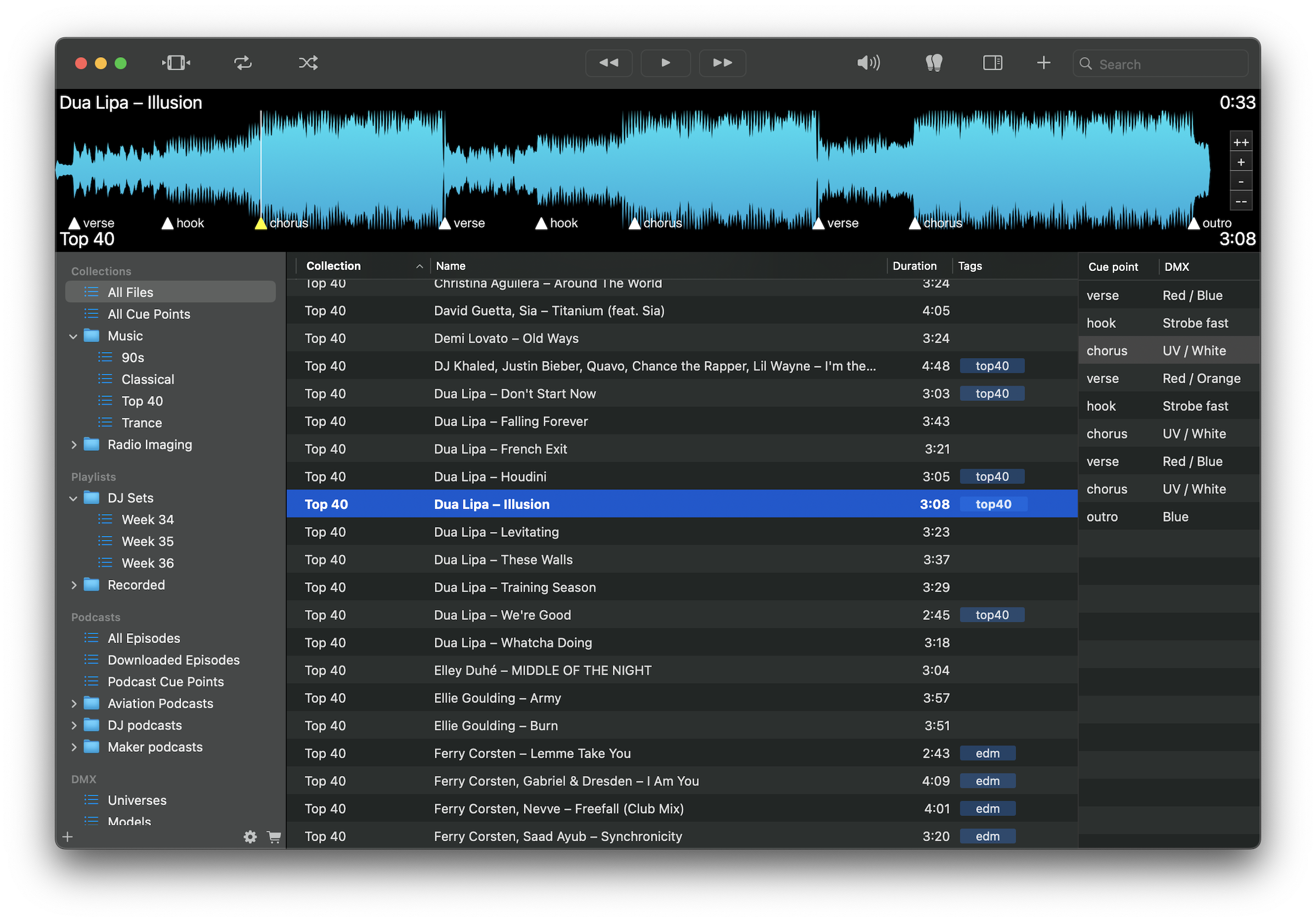
Mark quotes, reactions, usability issues, and key moments during or after interviews.
Jump directly to tagged moments without searching through long recordings.
Move quickly from raw interviews to structured insights and themes.
Generate first-pass transcripts while keeping participant data fully local.
Group and label insights across sessions by theme, persona, or study.
Export cue points as structured logs for reports or affinity mapping.
Work without internet dependency during analysis or review.
Keep participant recordings secure with no cloud uploads.
Load interview recordings, tag insights with cue points, and group them by theme or study. Use instant navigation and transcripts to move quickly from raw audio to synthesis and reporting.
Download free on the Mac App Store and turn interviews into insights faster.
Download on the Mac App Store