
Timestamp cue markers
Mark quotes, speaker changes, or difficult sections for instant return.
Transcribers
Mark difficult sections, jump to timestamps instantly, and turn speech into text faster. Stay focused with precise, offline playback on your Mac.
Transcription is slow when you are constantly rewinding and searching for the right moment. Visual Cue helps you move through audio efficiently—marking sections, jumping instantly, and keeping everything organized so you can focus on the text.
Product Preview
Cue points, waveform navigation, playlists, and local playback in one Mac interface.
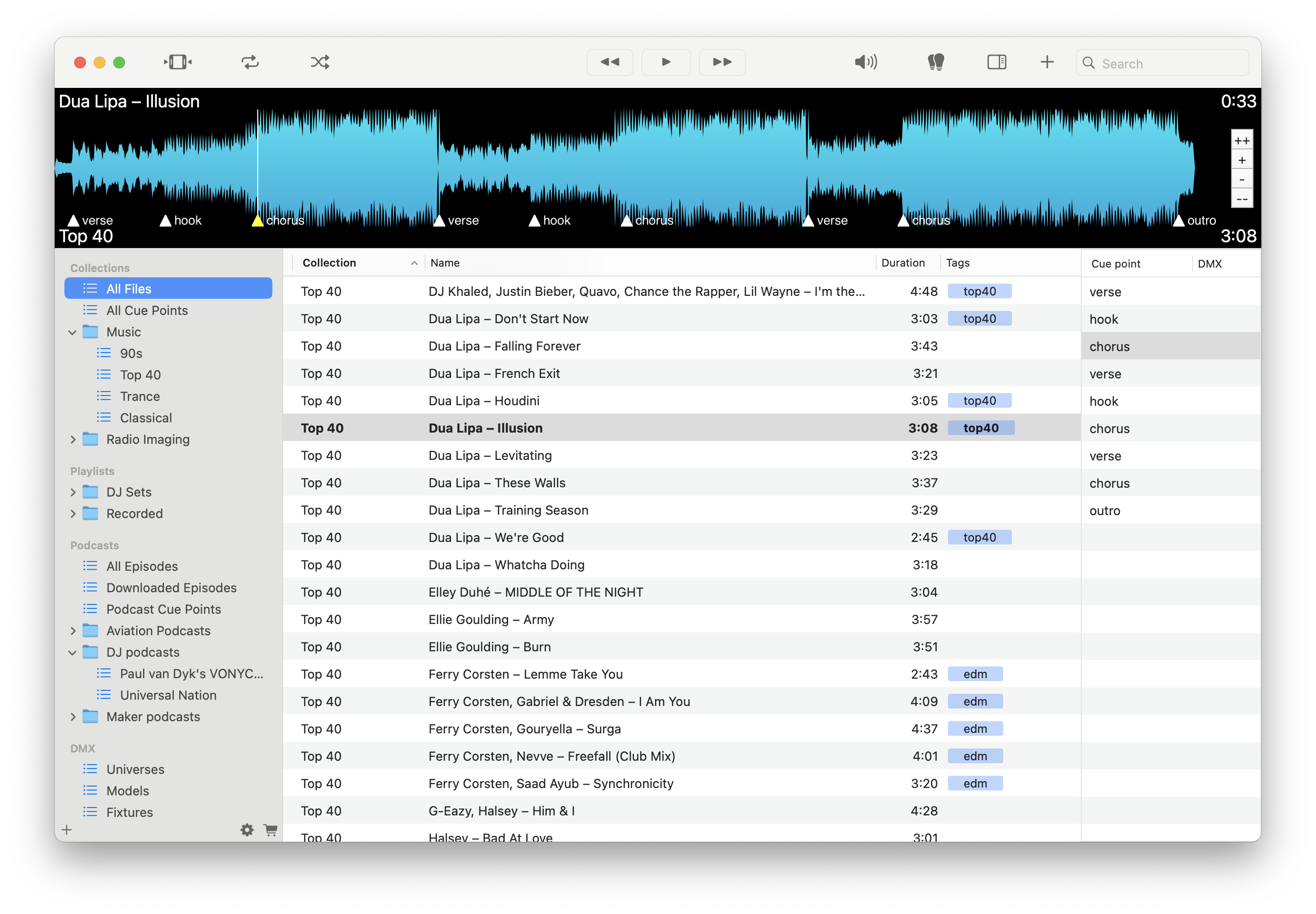
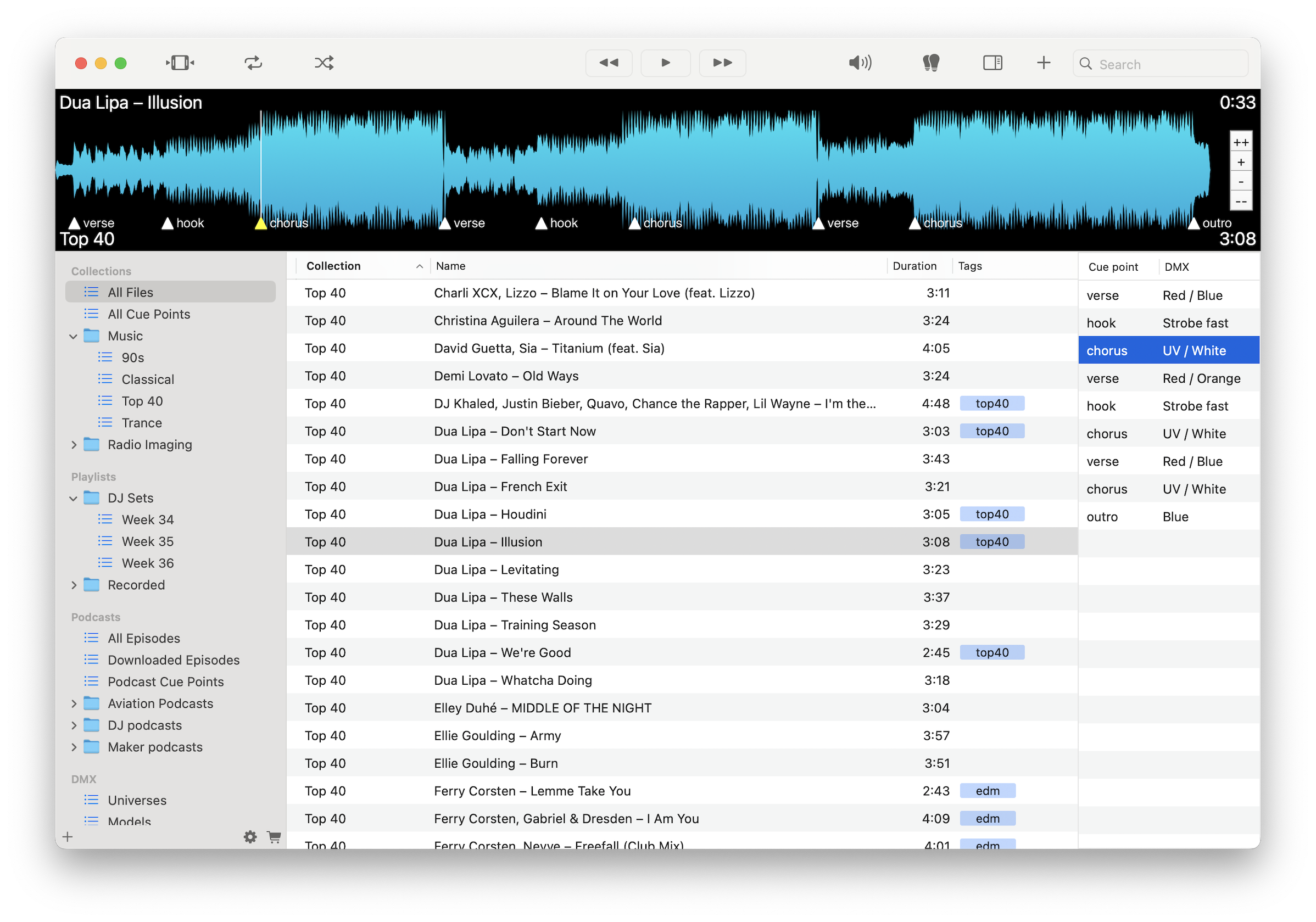
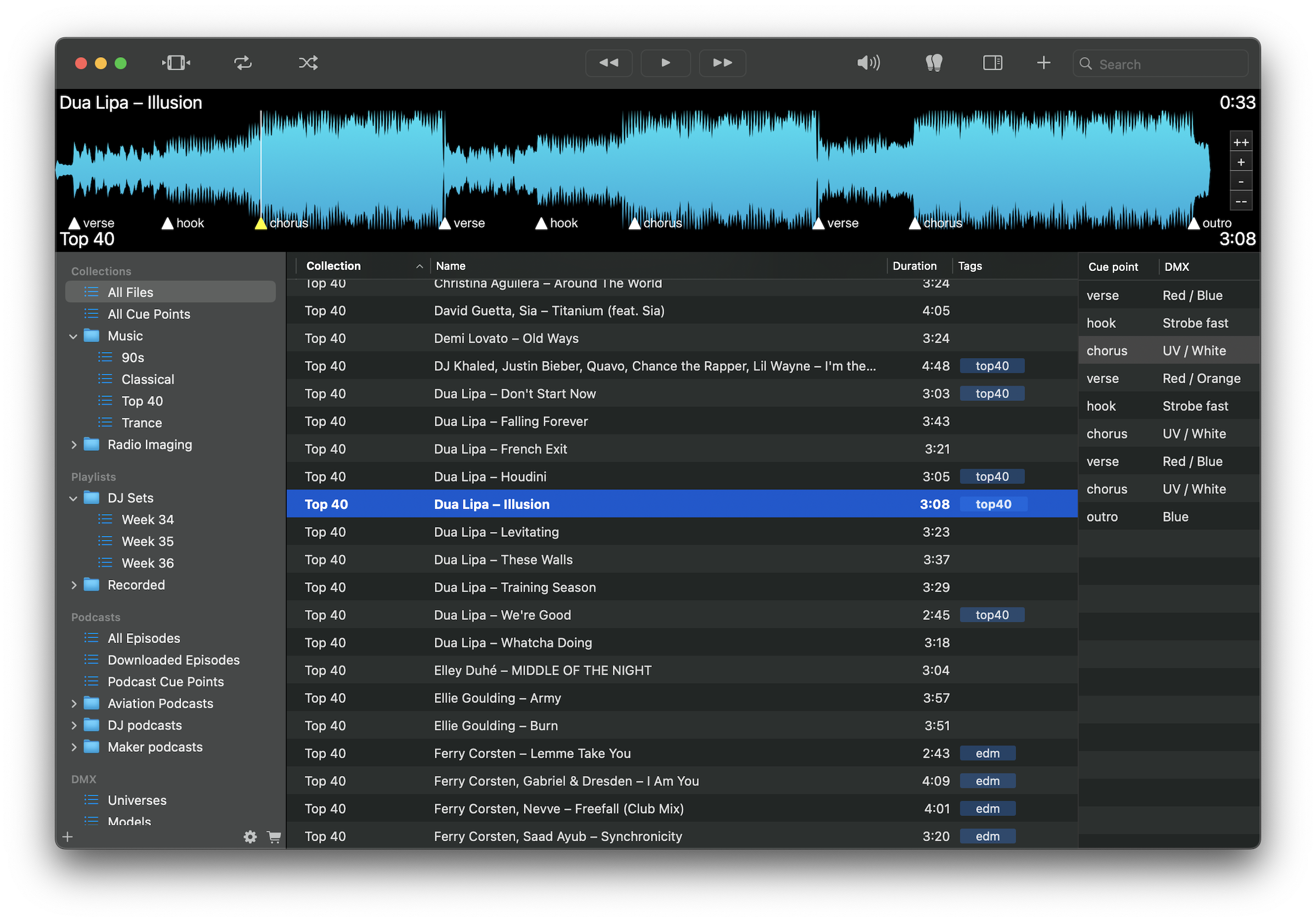
Mark quotes, speaker changes, or difficult sections for instant return.
Jump directly to any marked moment without manual rewinding.
Reduce time spent searching through audio and stay focused on typing.
Generate first-pass text while keeping files fully offline.
Use shortcuts to navigate audio quickly during transcription.
Organize files by client, project, or assignment.
Export cue points as timestamped references or logs.
Keep sensitive recordings local with no cloud uploads.
Load your audio, mark difficult or important sections with cue points, and jump between them instantly while transcribing. Use local transcription for a first pass, then refine with precise navigation.
Download free on the Mac App Store and speed up your transcription workflow.
Download on the Mac App Store