
Mark segments and edit points
Add cue points for intros, ad breaks, topics, or sections that need editing.
Podcasters
Add cue points, jump between segments, and organize your episodes with precision. Speed up editing and review workflows on your Mac.
Long recordings slow you down. Visual Cue helps podcasters move through episodes faster, marking segments, tagging edits, and jumping instantly to the moments that matter without constant scrubbing.
Product Preview
Cue points, waveform navigation, playlists, and local playback in one Mac interface.
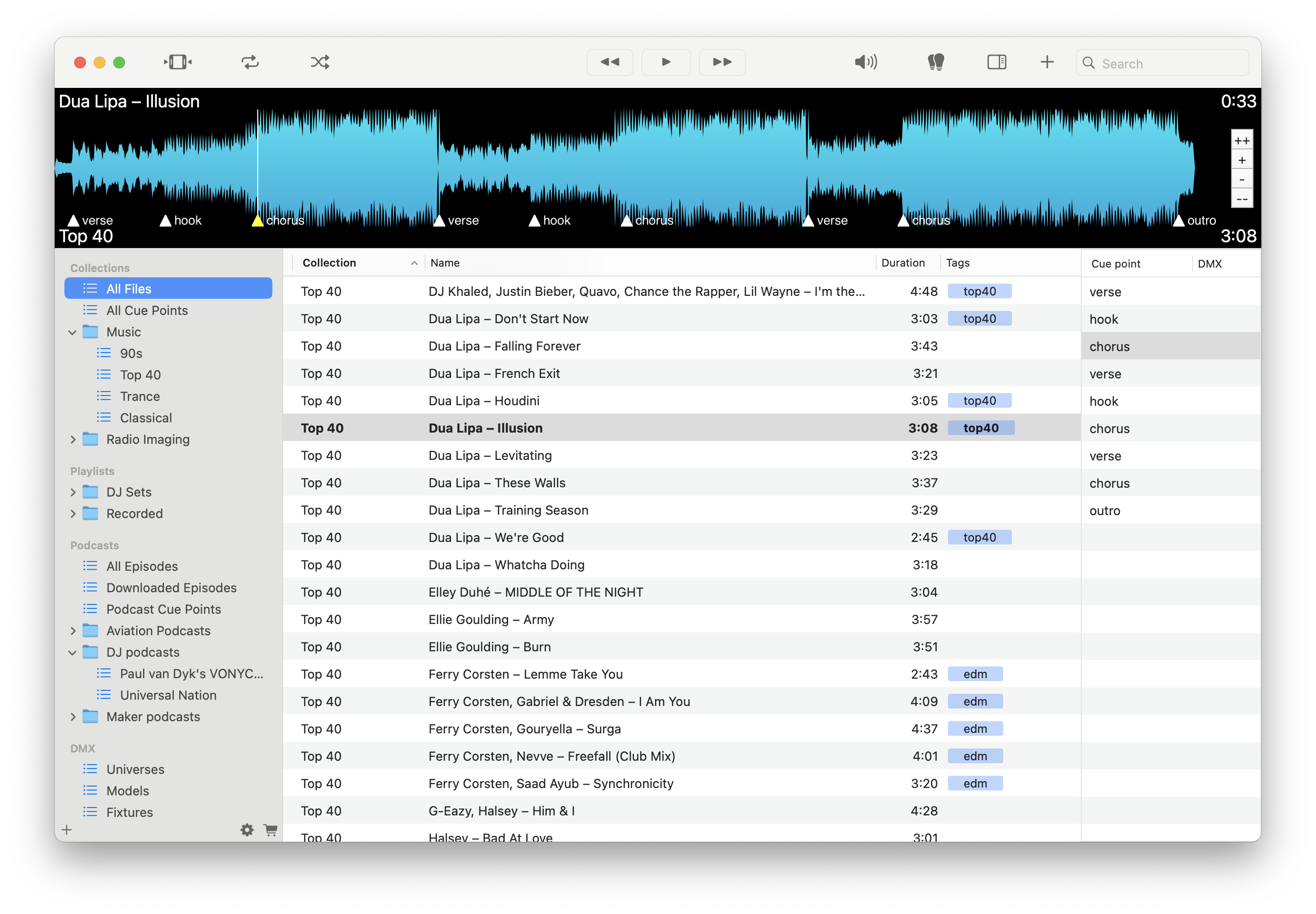
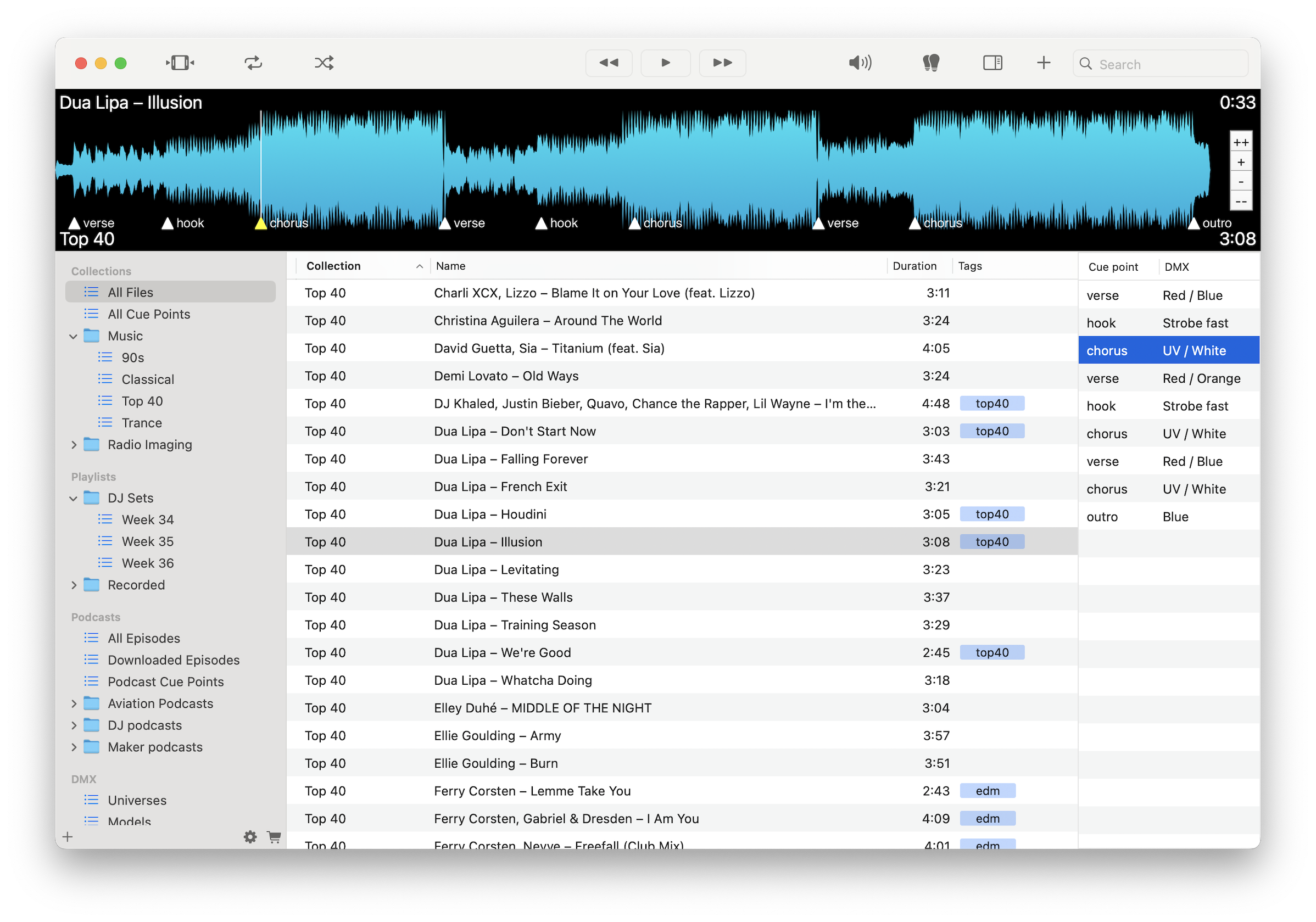
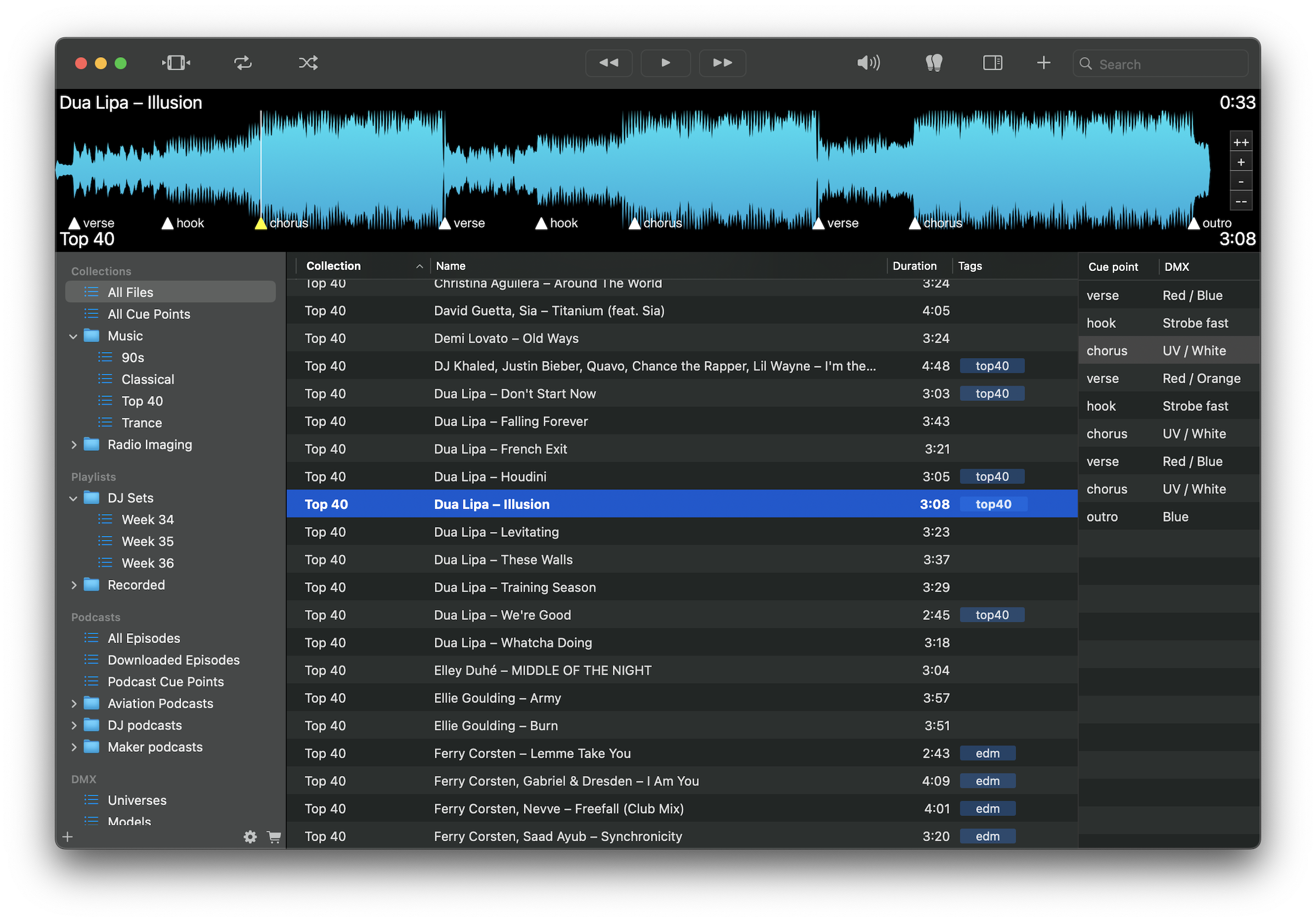
Add cue points for intros, ad breaks, topics, or sections that need editing.
Jump instantly between segments instead of scrubbing through long recordings.
Tag and group episodes by show, guest, or topic.
Subscribe and download episodes locally for reliable playback.
Scan audio visually and move quickly through conversations.
Export cue point logs for editors, co-hosts, or collaborators.
Work anywhere without relying on streaming or internet access.
Play MP3, WAV, FLAC, M4A, and other common podcast formats.
Load recordings or downloaded episodes, mark segments and edit points, organize by show or topic, and export cue notes. Move quickly from raw audio to structured edits with precise navigation.
Download free on the Mac App Store and start organizing your podcast audio with precision.
Download on the Mac App Store