Scenario cue points
Mark events like vitals changes, alarms, or patient responses for instant triggering.
Medical training teams
Mark critical events, trigger scenario changes, and control training audio with precision. Build reliable, repeatable simulations on your Mac.
Medical training depends on timing and realism. Visual Cue helps simulation teams control audio scenarios with precision—so critical moments happen exactly when they should, and training sessions run smoothly every time.
Product Preview
Cue points, waveform navigation, playlists, and local playback in one Mac interface.
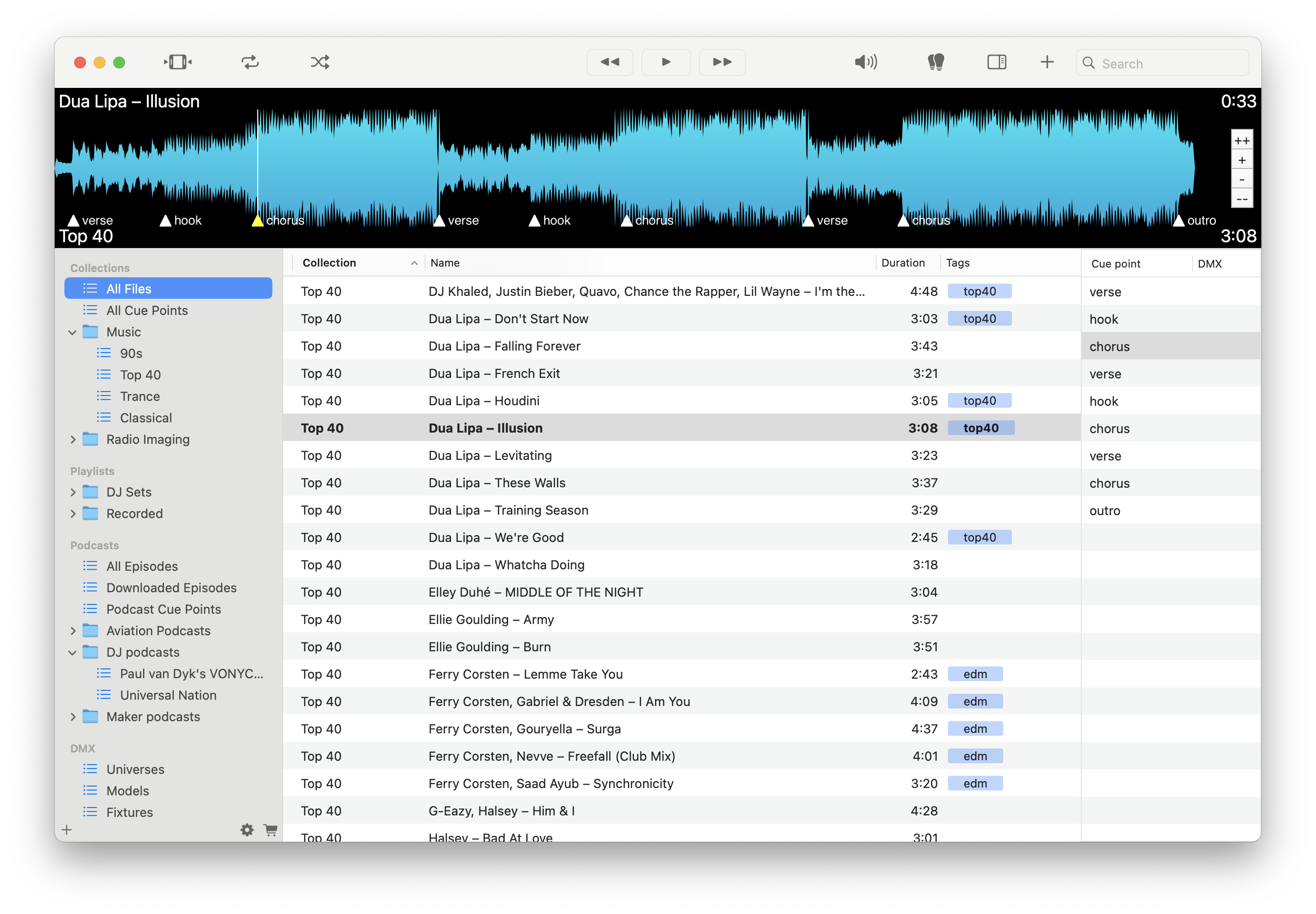
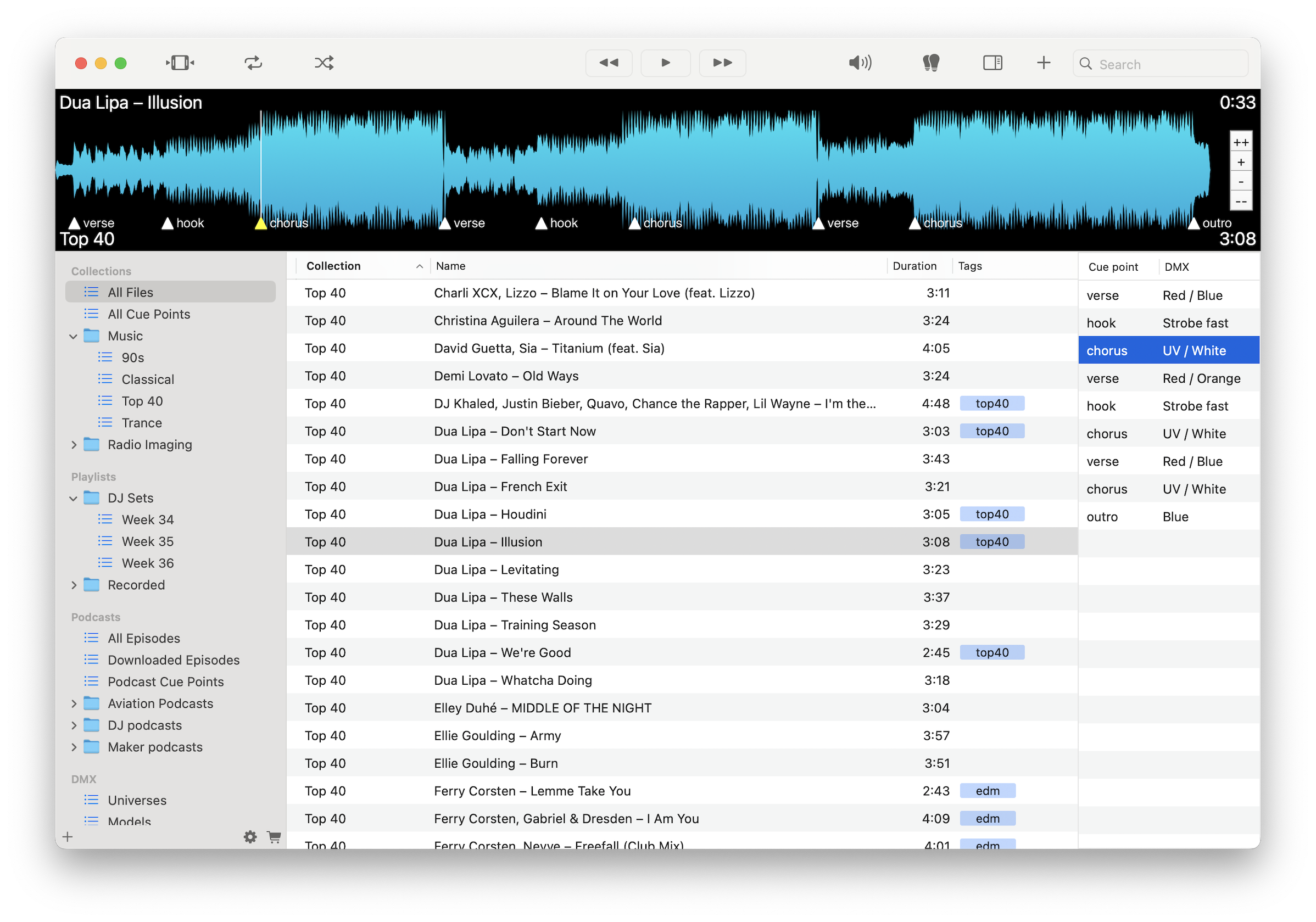
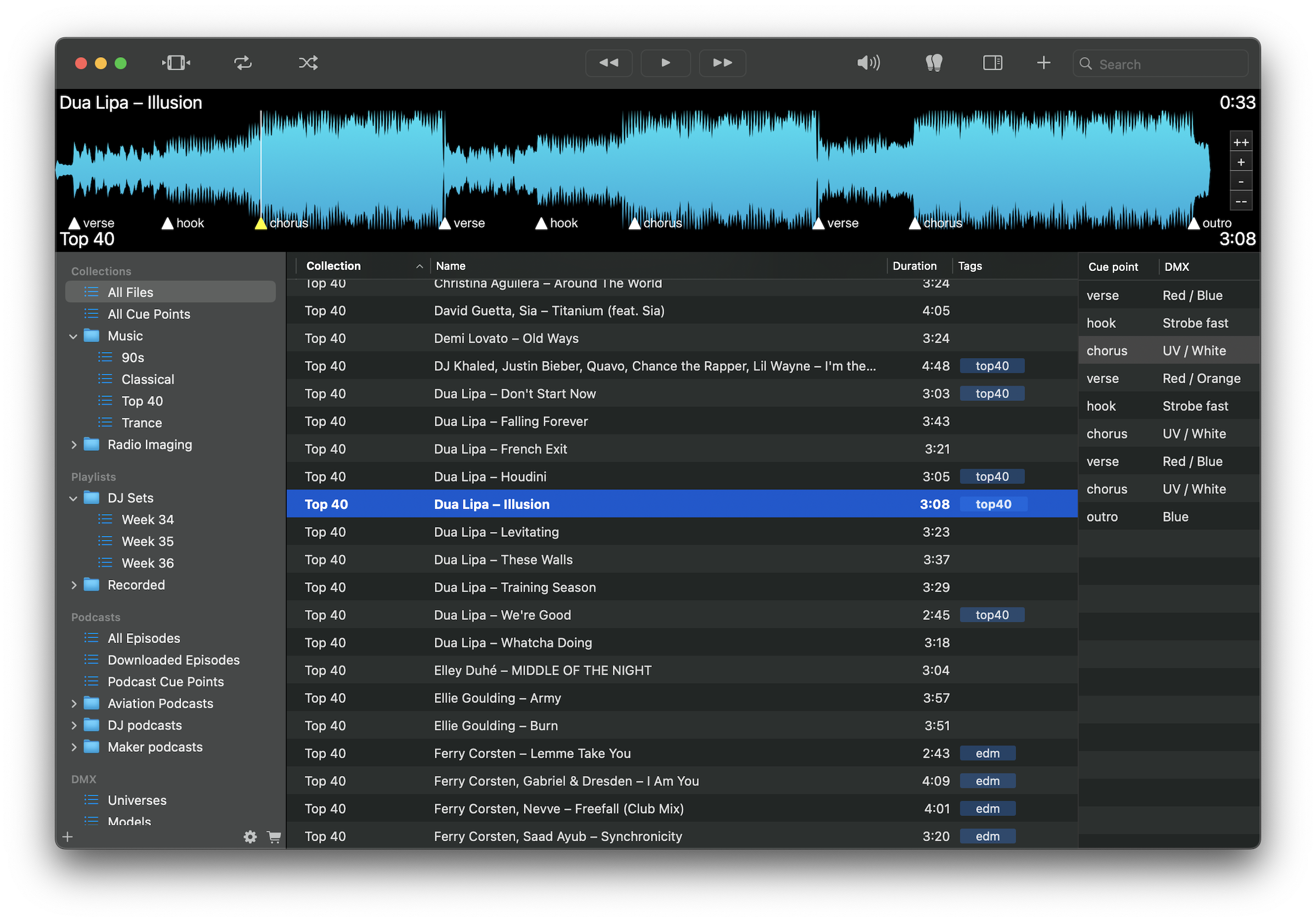
Mark events like vitals changes, alarms, or patient responses for instant triggering.
Jump between simulation segments without delay during training sessions.
Run consistent scenarios across multiple sessions and learners.
Ensure events happen at the right moment for realistic simulations.
Organize audio by protocol, case type, or training module.
Run simulations without internet dependency or interruptions.
Adjust volume and timing as needed during live sessions.
Play FLAC, WAV, MP3, and M4A files without conversion.
Load scenario audio, mark key events with cue points, and control timing during training sessions. Repeat scenarios consistently and adjust in real time to support effective learning and evaluation.
Download free on the Mac App Store and run your training simulations with precision.
Download on the Mac App Store