
Statement cue points
Mark key statements, objections, or events for instant access.
Legal pros
Mark statements, jump to exact timestamps, and organize recordings with confidence. Work efficiently with secure, offline playback on your Mac.
Legal recordings are long, detailed, and often sensitive. Visual Cue helps you move through depositions, interviews, and hearings efficiently—while keeping everything private and under your control.
Product Preview
Cue points, waveform navigation, playlists, and local playback in one Mac interface.
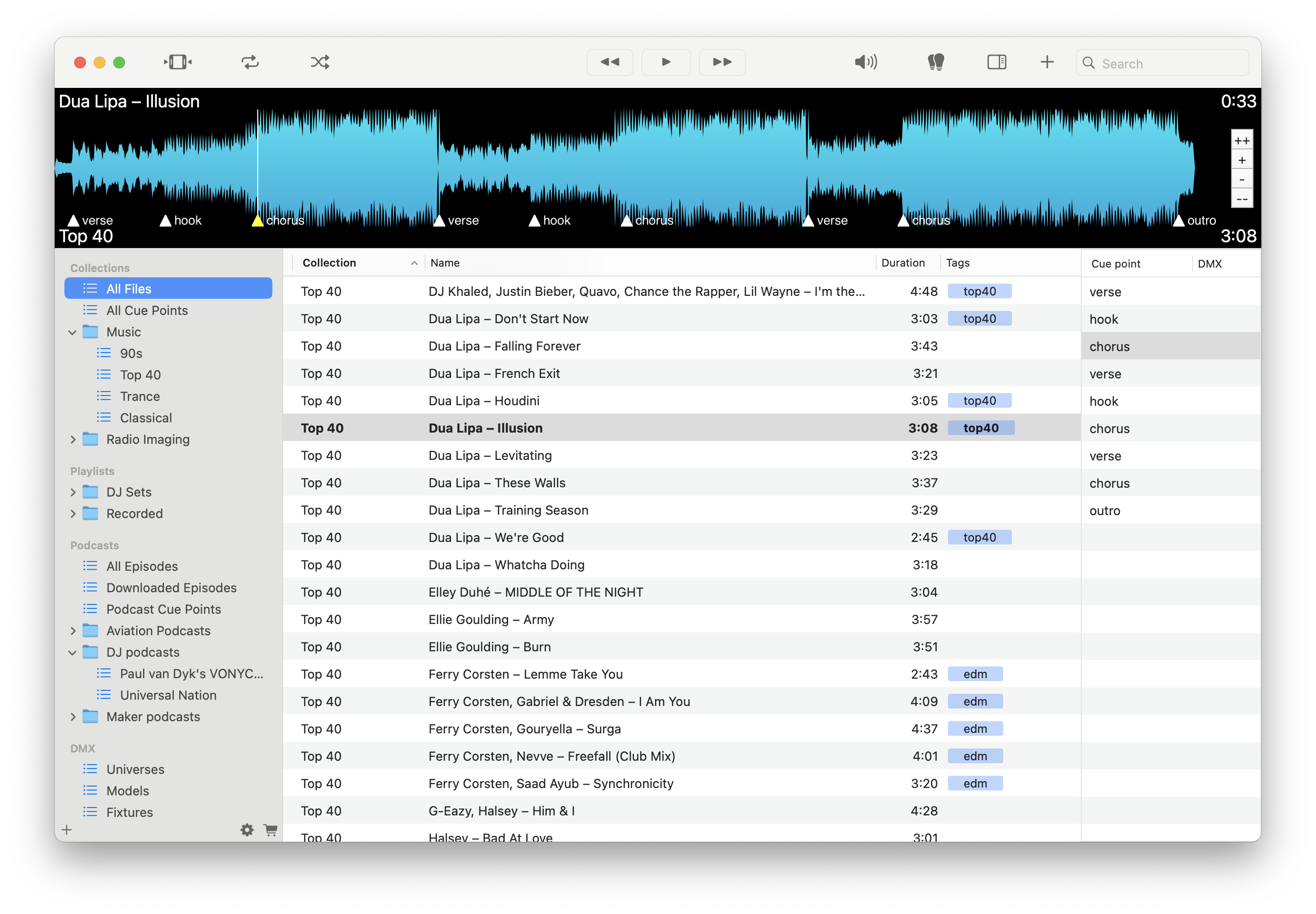
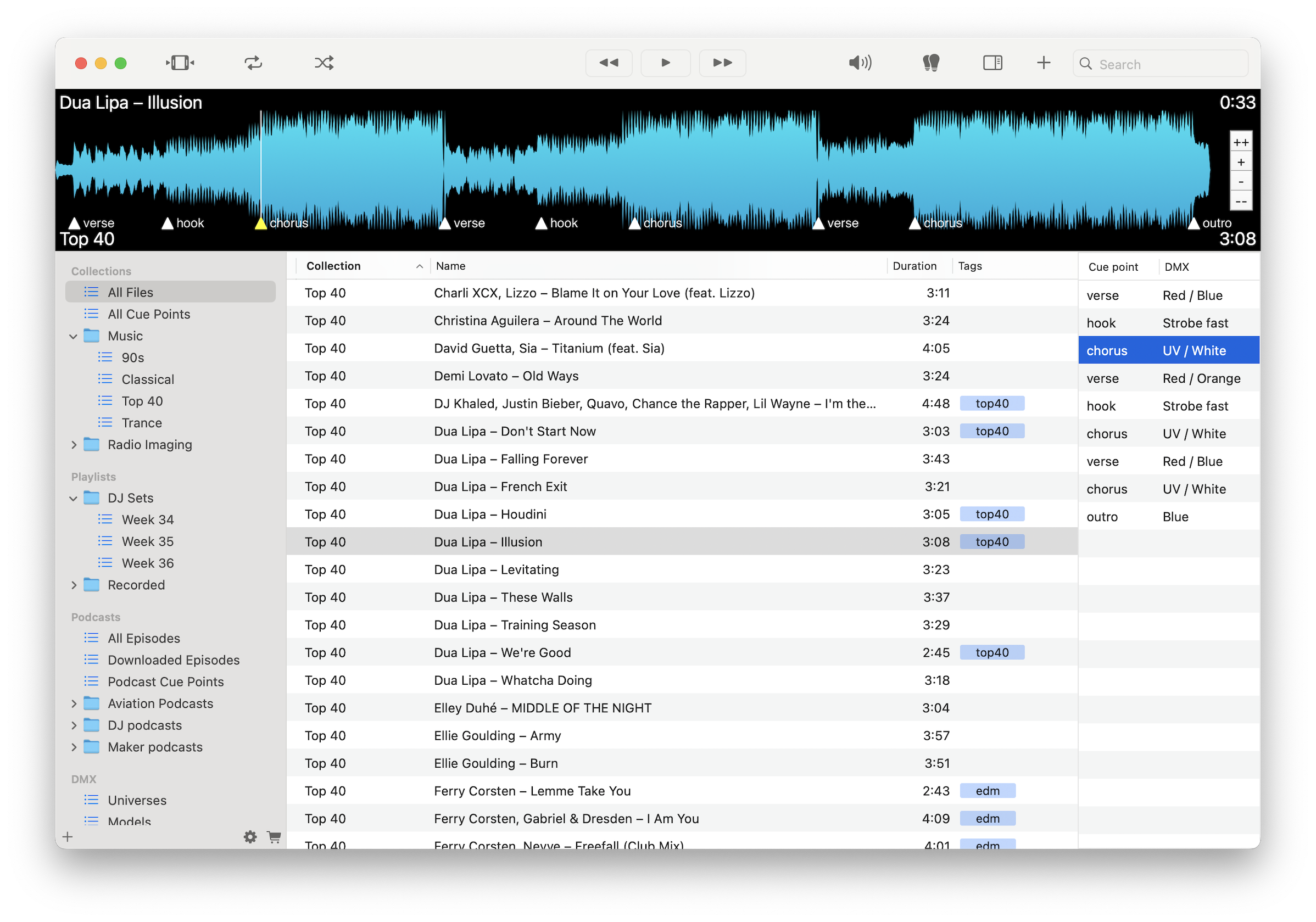
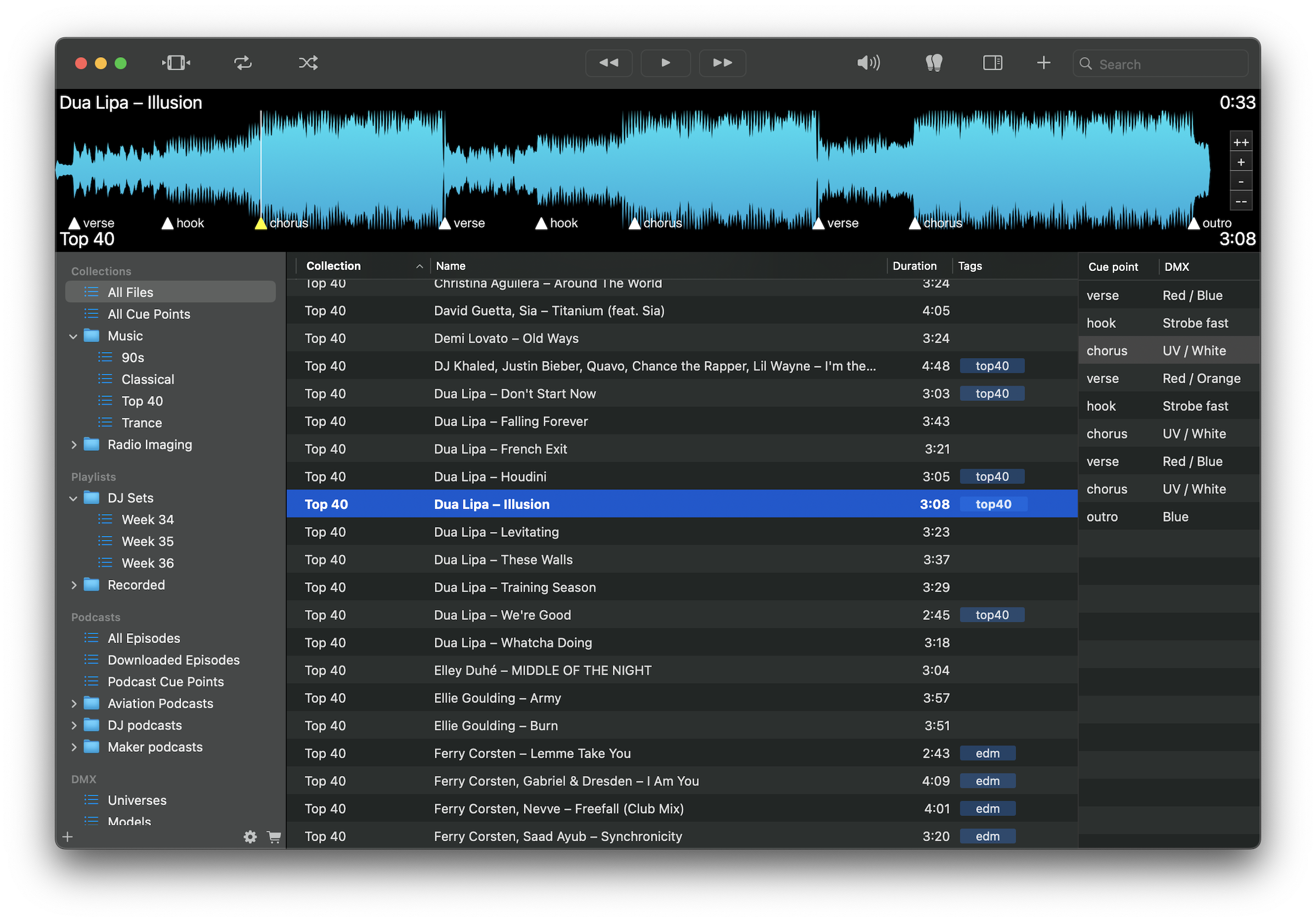
Mark key statements, objections, or events for instant access.
Jump directly to exact moments without searching or rewinding.
Move through long recordings efficiently and focus on relevant sections.
Generate text from speech while keeping all files fully local.
Organize audio by client, case, or exhibit.
Export cue points as structured logs or notes for reports and briefs.
Work without internet dependency in office or field environments.
Keep confidential recordings private with no uploads or cloud processing.
Load recordings, mark key statements with cue points, and jump between them instantly. Organize audio by case, generate first-pass transcripts, and export timestamped notes for structured review.
Download free on the Mac App Store and review legal audio with precision and confidence.
Download on the Mac App Store