
Quote tagging with cue points
Mark quotes, names, and key moments as you listen.
Journalists
Mark quotes, jump to key moments, and turn interviews into usable notes faster. Stay accurate and organized with precise, offline playback on your Mac.
Deadlines do not wait. Visual Cue helps journalists move quickly through interviews—marking quotes, organizing recordings, and turning speech into text without wasting time scrubbing through hours of audio.
Product Preview
Cue points, waveform navigation, playlists, and local playback in one Mac interface.
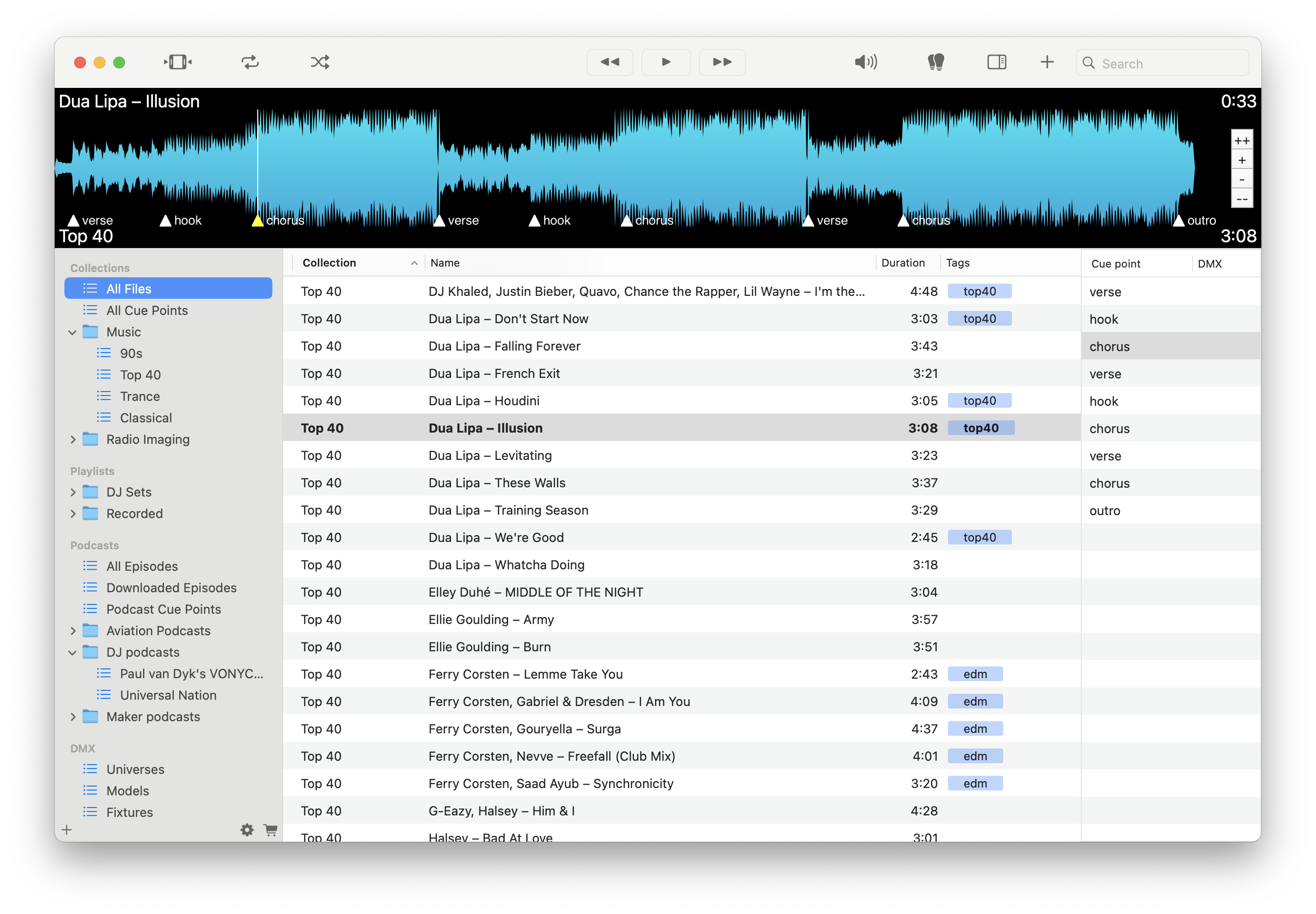
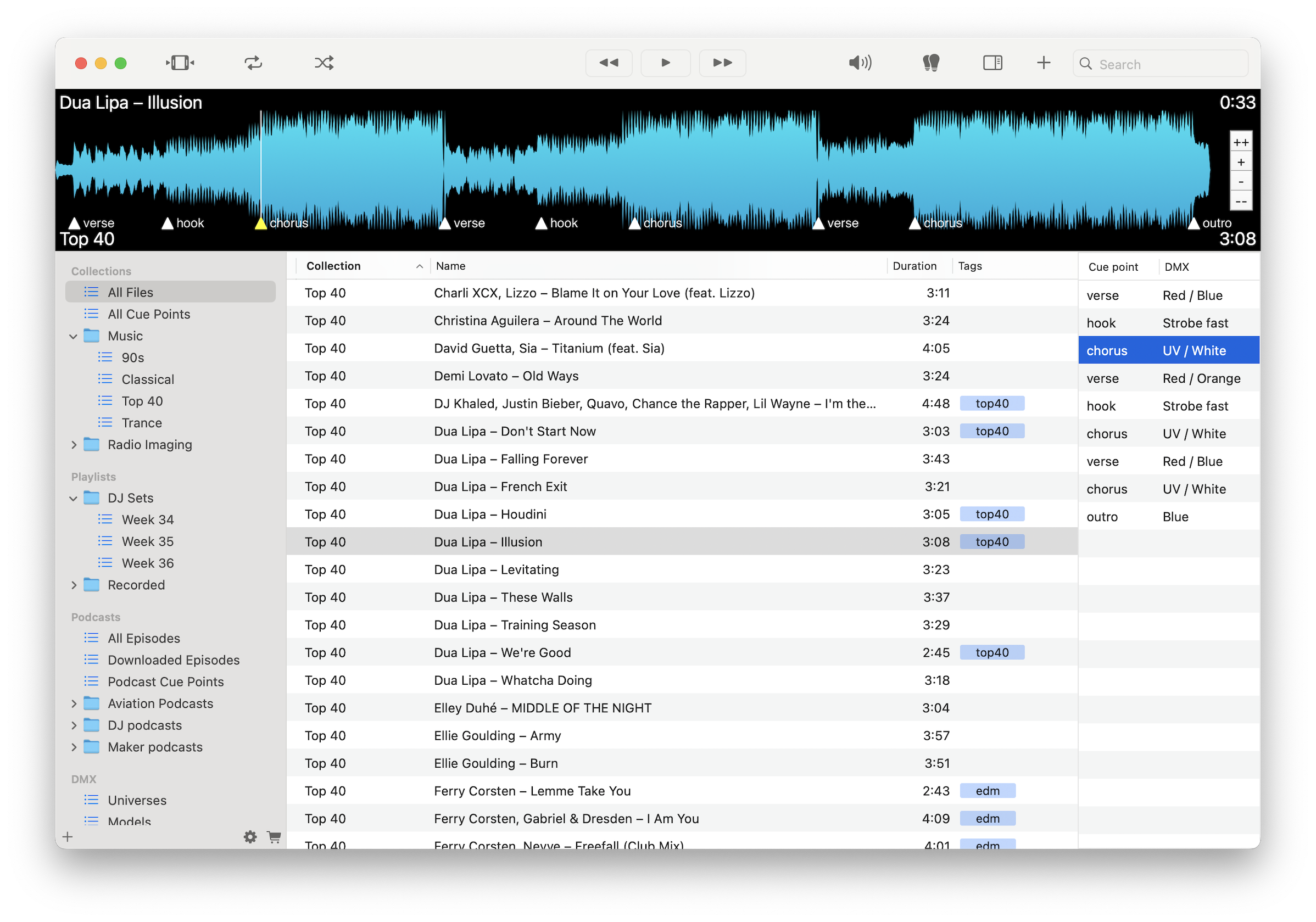
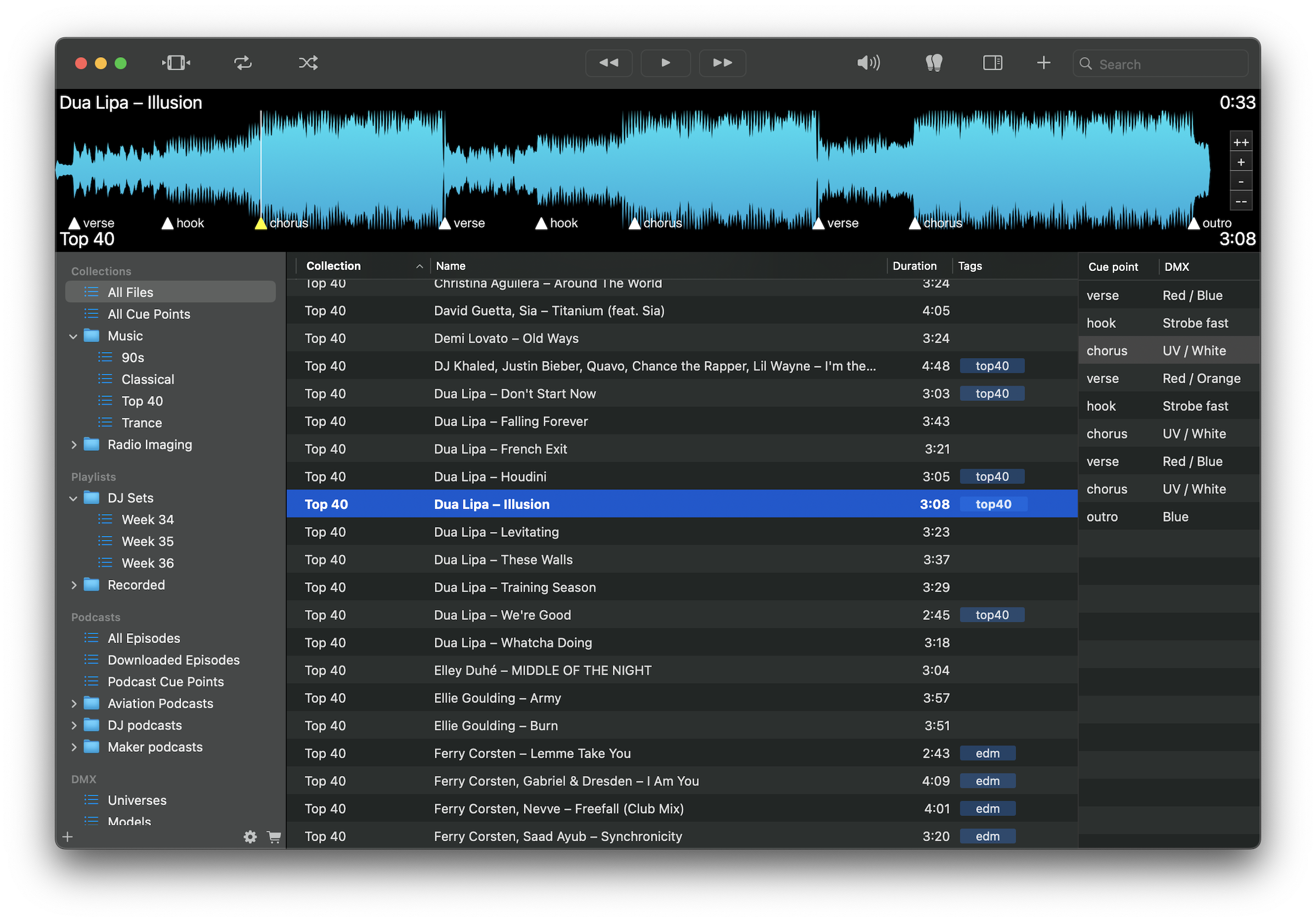
Mark quotes, names, and key moments as you listen.
Jump directly to important segments without rewinding or searching.
Move through long recordings efficiently and focus on what matters.
Turn speech into text while keeping recordings fully local.
Export cue points as structured notes with timestamps.
Sort recordings by story, interviewee, or assignment.
Work anywhere without relying on internet or cloud tools.
Keep sensitive interviews secure with no uploads or external processing.
Load your interviews, mark quotes and key moments with cue points, generate first-pass transcripts, and export structured notes. Move quickly from raw audio to publishable material.
Download free on the Mac App Store and turn interviews into usable stories faster.
Download on the Mac App Store