
Lesson cue points
Mark vocabulary, exercises, or topic sections for instant access.
Educators & tutors
Mark lesson segments, jump between topics, and replay key sections instantly. Make audio-based teaching clearer and more effective on your Mac.
Audio can be powerful for teaching—but only if you can control it. Visual Cue helps educators mark lesson segments, repeat important sections, and organize teaching material so students can follow along more easily.
Product Preview
Cue points, waveform navigation, playlists, and local playback in one Mac interface.
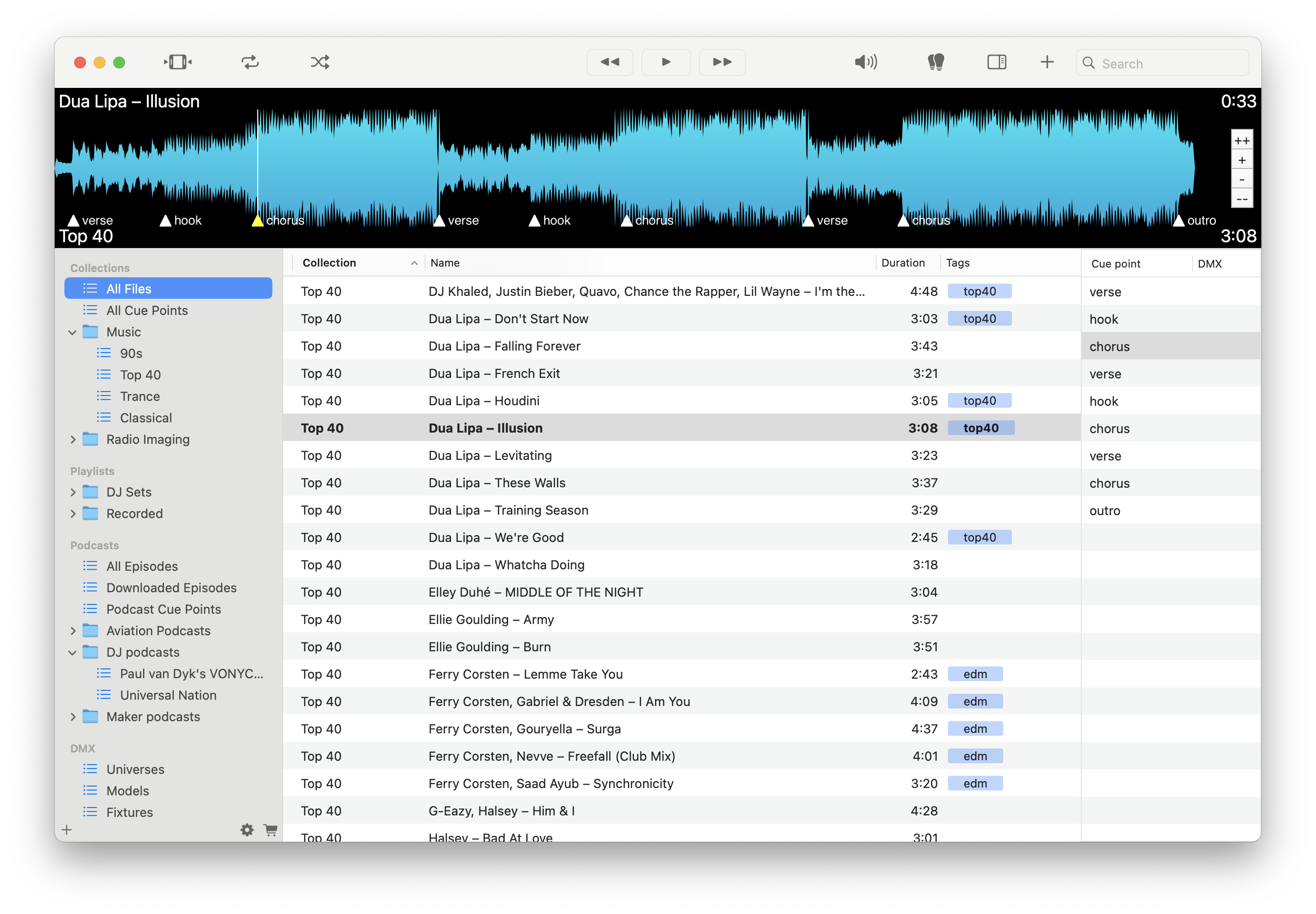
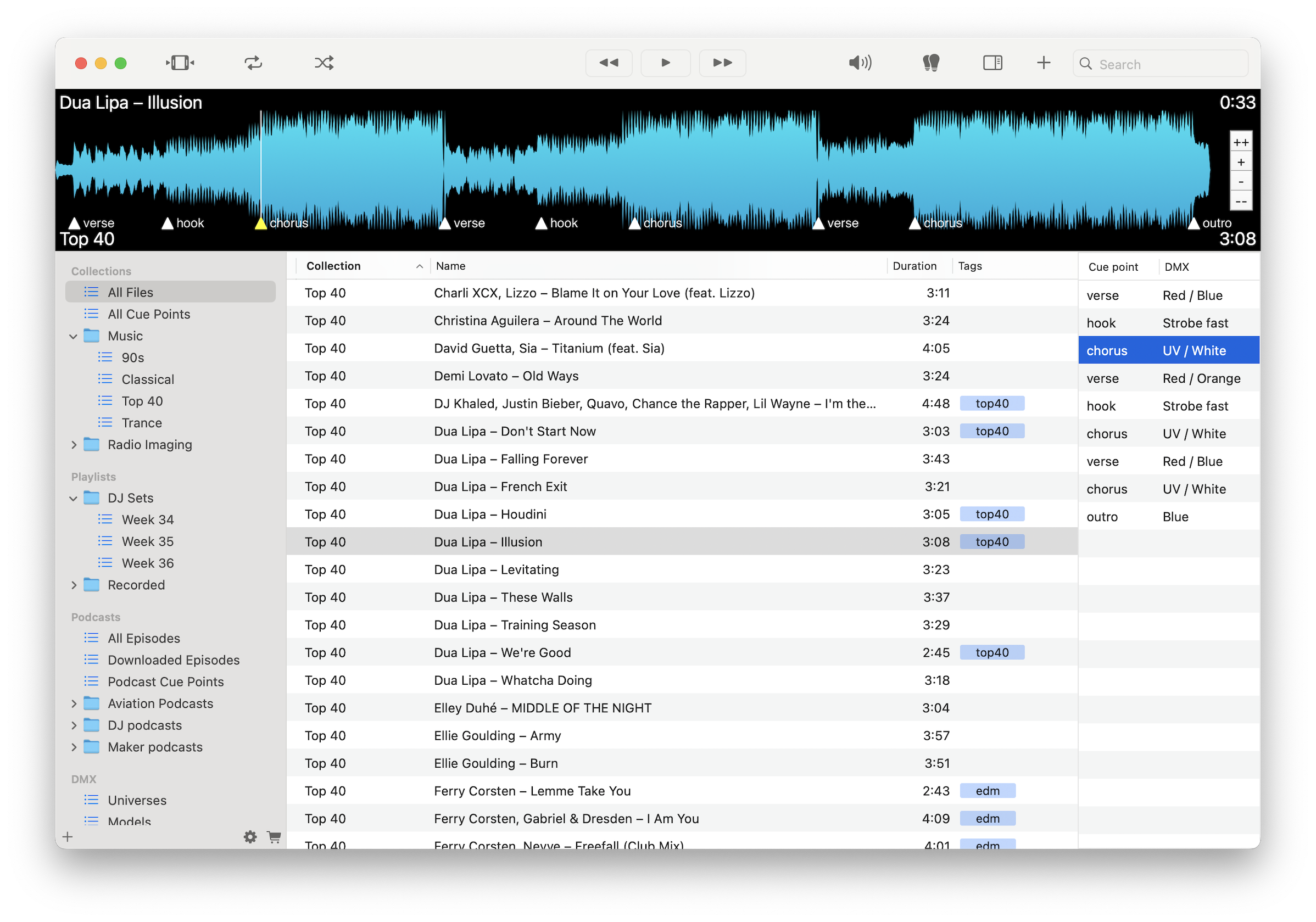
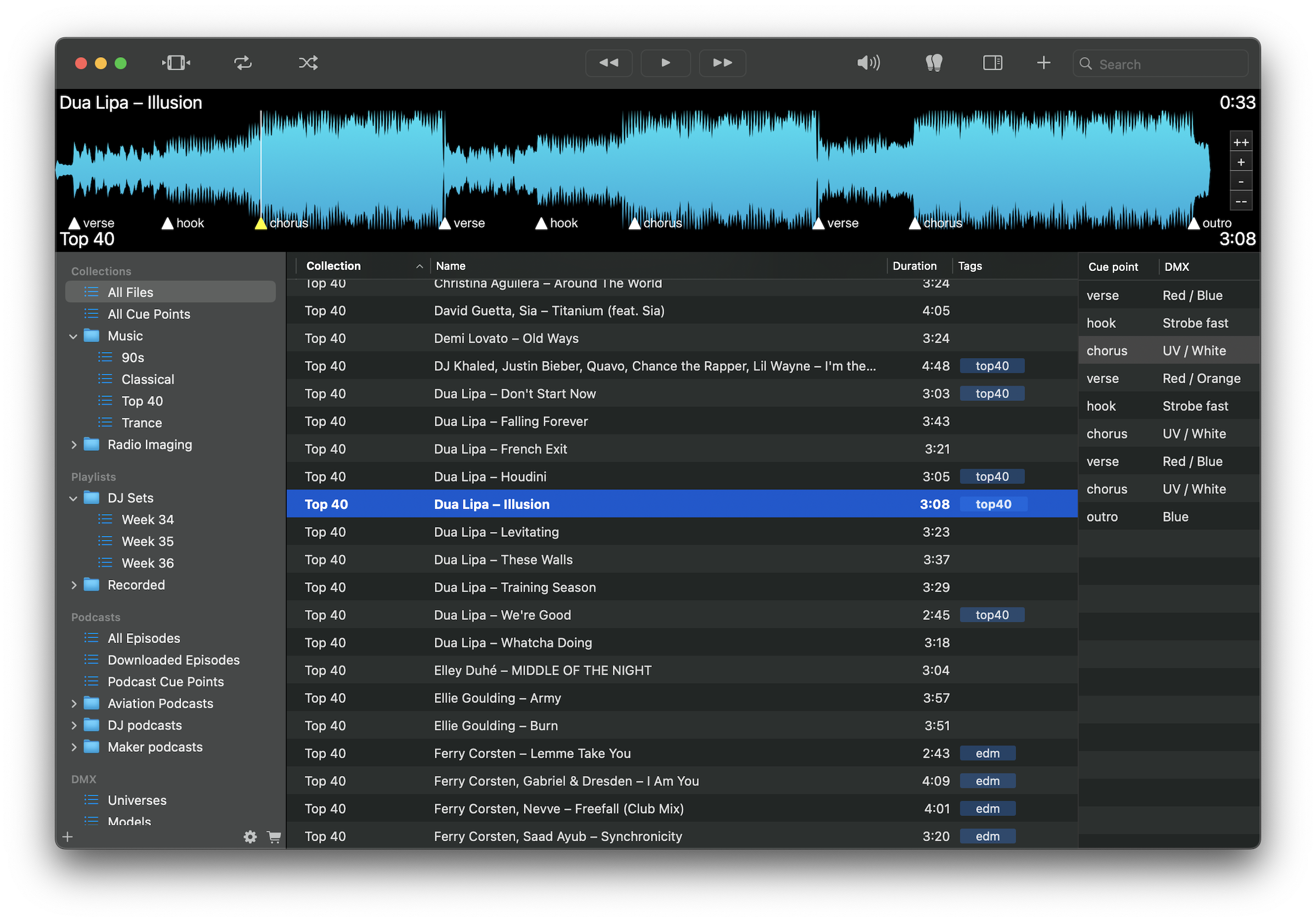
Mark vocabulary, exercises, or topic sections for instant access.
Replay difficult or important parts without scrubbing or restarting.
Jump between lesson sections quickly during teaching or review.
Organize audio by student, topic, level, or course structure.
Keep lessons moving without interruptions or delays.
Use audio reliably in classrooms, homes, or remote environments.
Group teaching material into structured lessons or sessions.
Play MP3, M4A, FLAC, WAV, and more without conversion.
Load lesson audio, mark key sections with cue points, and organize content by topic or course. Use instant replay and navigation to guide students through material clearly and efficiently.
Download free on the Mac App Store and make your teaching audio easier to use and repeat.
Download on the Mac App Store