
Instant cue jumps
Set cue points on drops, intros, vocals, or transitions and return instantly without scrubbing.
DJs & musicians
Mark drops, intros, and transitions. Jump instantly between sections. Organize tracks and rehearse sets offline on your Mac.
If you're prepping sets, practicing transitions, or organizing crates, Visual Cue gives you fast, precise control over your music. Turn any track into a cueable, navigable timeline and stop wasting time scrubbing.
Product Preview
Cue points, waveform navigation, playlists, and local playback in one Mac interface.
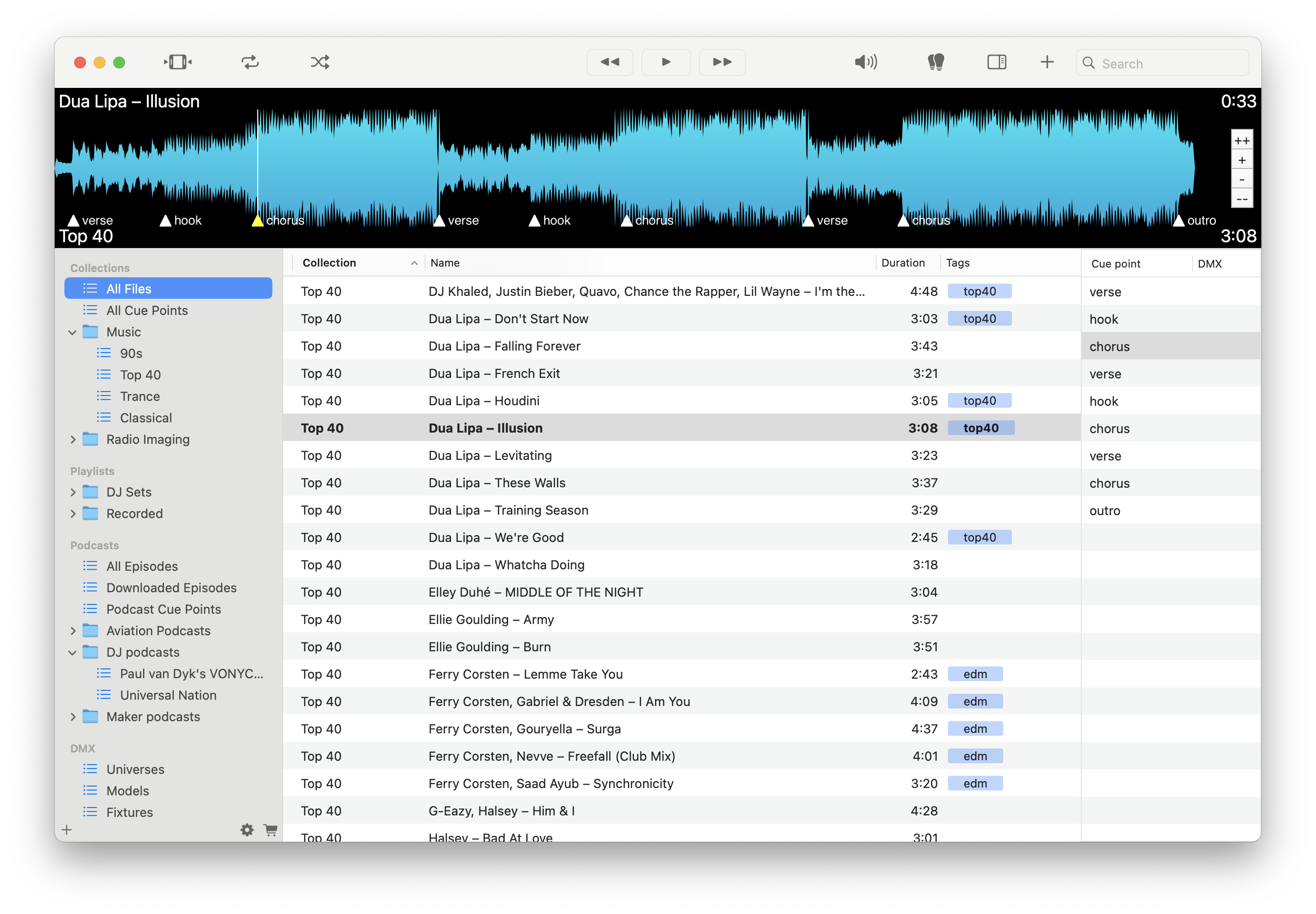
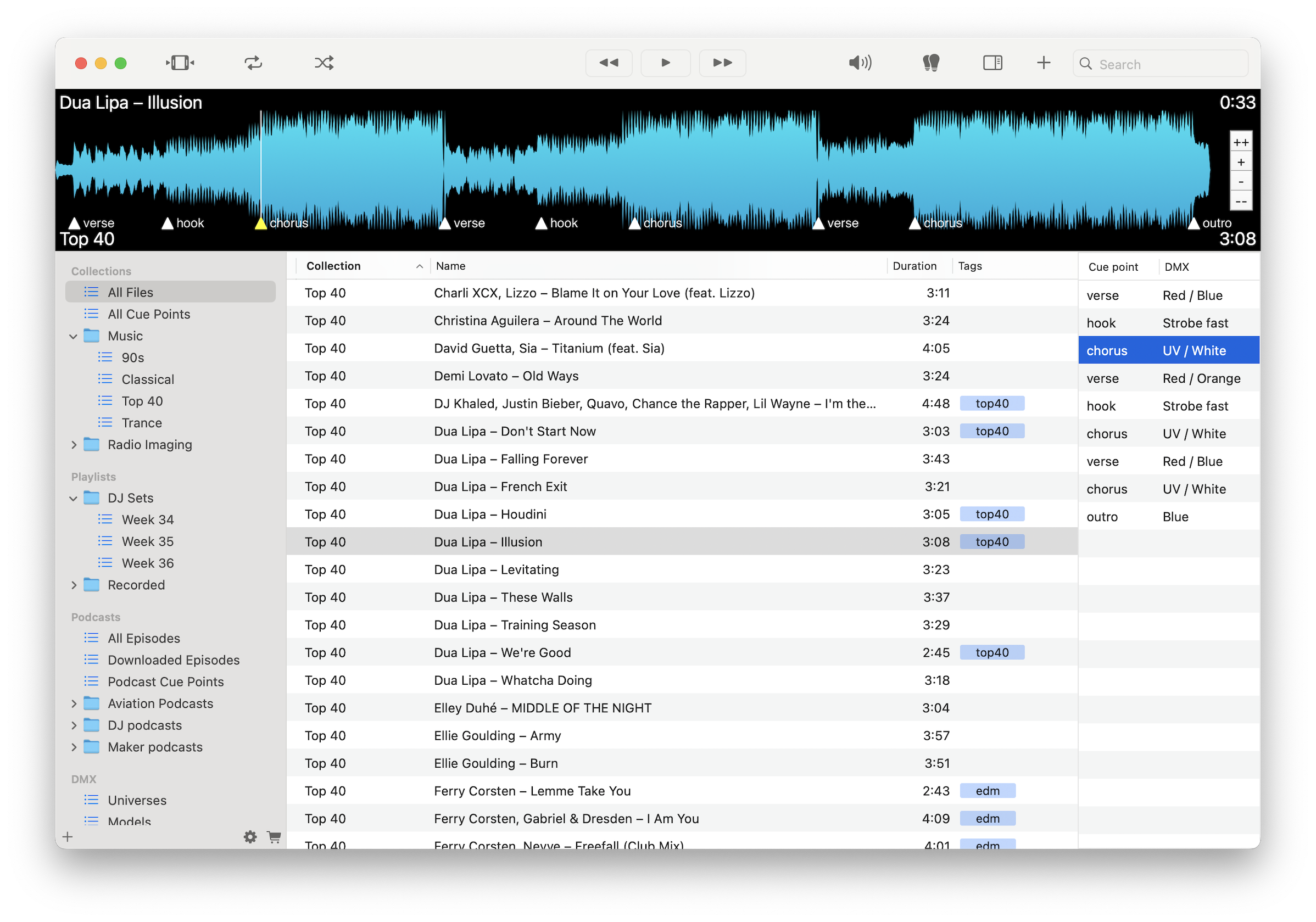
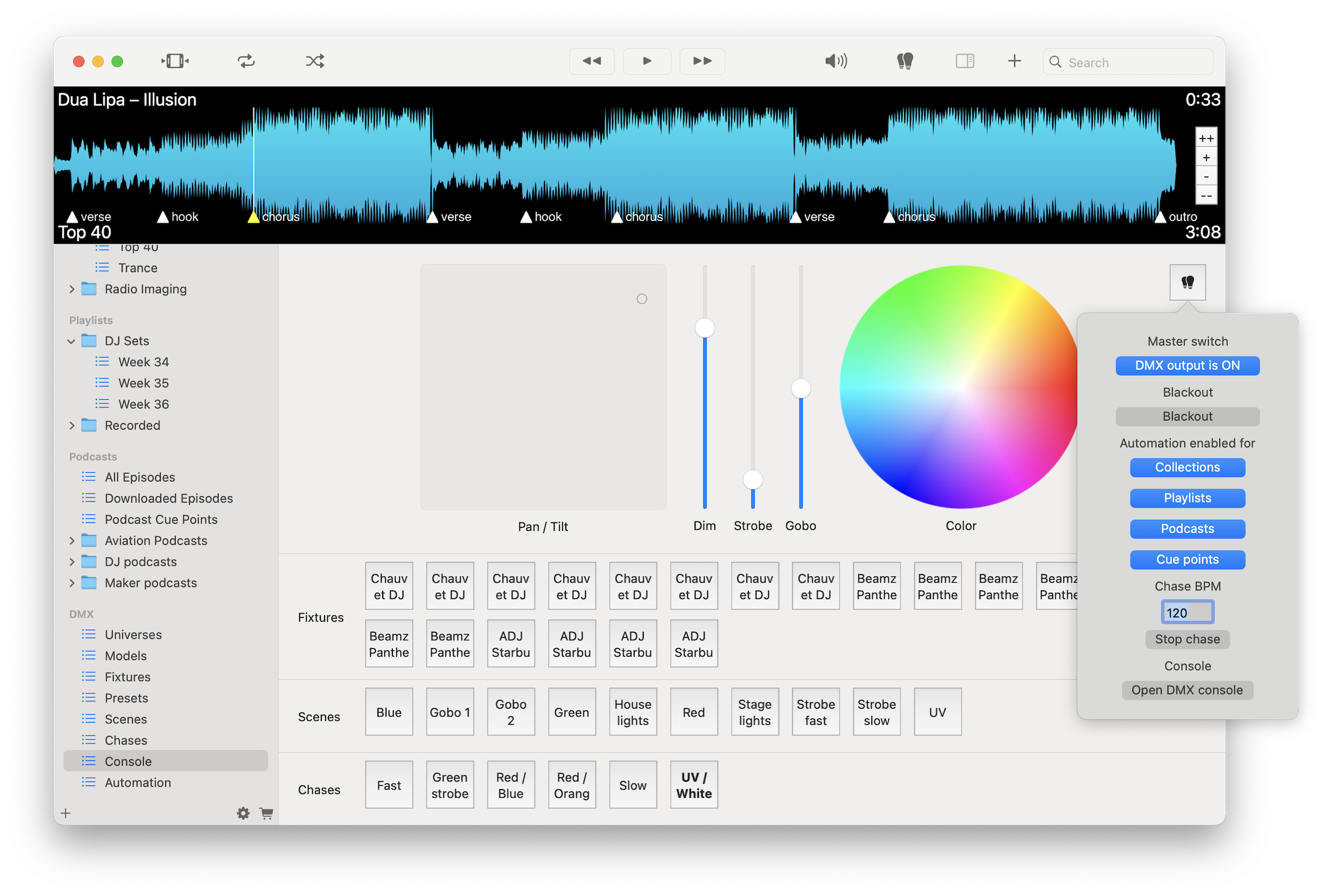
Set cue points on drops, intros, vocals, or transitions and return instantly without scrubbing.
Move between sections or tracks without restarting playback to rehearse transitions efficiently.
Build playlists, reorder tracks, and group music by vibe, tempo, or event.
Work without streaming lag or missing files using your local music library.
Move files easily between Finder, Visual Cue, and compatible audio apps.
Play FLAC, WAV, AIFF, MP3, and M4A files with full quality.
Add cue points and library metadata without modifying your original audio files.
Optimized for macOS with Dark Mode and Apple Silicon support.
Load your tracks, drop cue points on key moments, organize playlists, and rehearse transitions quickly using instant jumps without altering your source files or relying on streaming.
Download free on the Mac App Store and start cueing your tracks in minutes.
Download on the Mac App Store